56 Chapter 3 Using Your Mac mini
Securing Your Mac mini
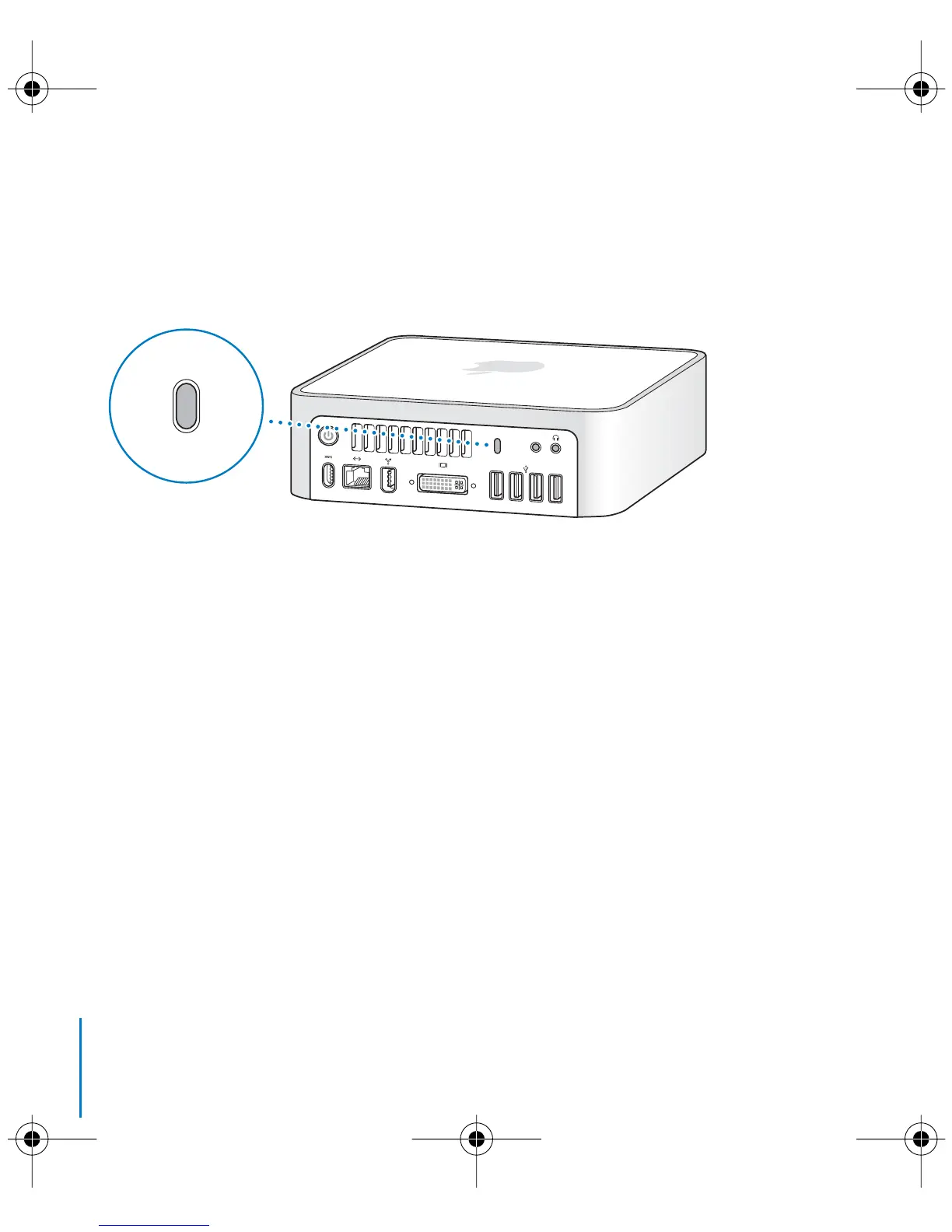
You can use a locking cable (available at www.apple.com/store/) and the built-in
security slot to attach your Mac mini to a stationary object.
Information about the software security features of your Mac mini, including multiple
user passwords and file encryption, is available in Mac Help. Choose Help > Mac Help
and search for “security” or “multiple users.”
,
Security slot
LL3734M40.book Page 56 Thursday, July 6, 2006 3:45 PM



 To Next Page