MacBook Pro (13-inch) Symptom Charts — Startup and Power Issues 35
2010-09-14
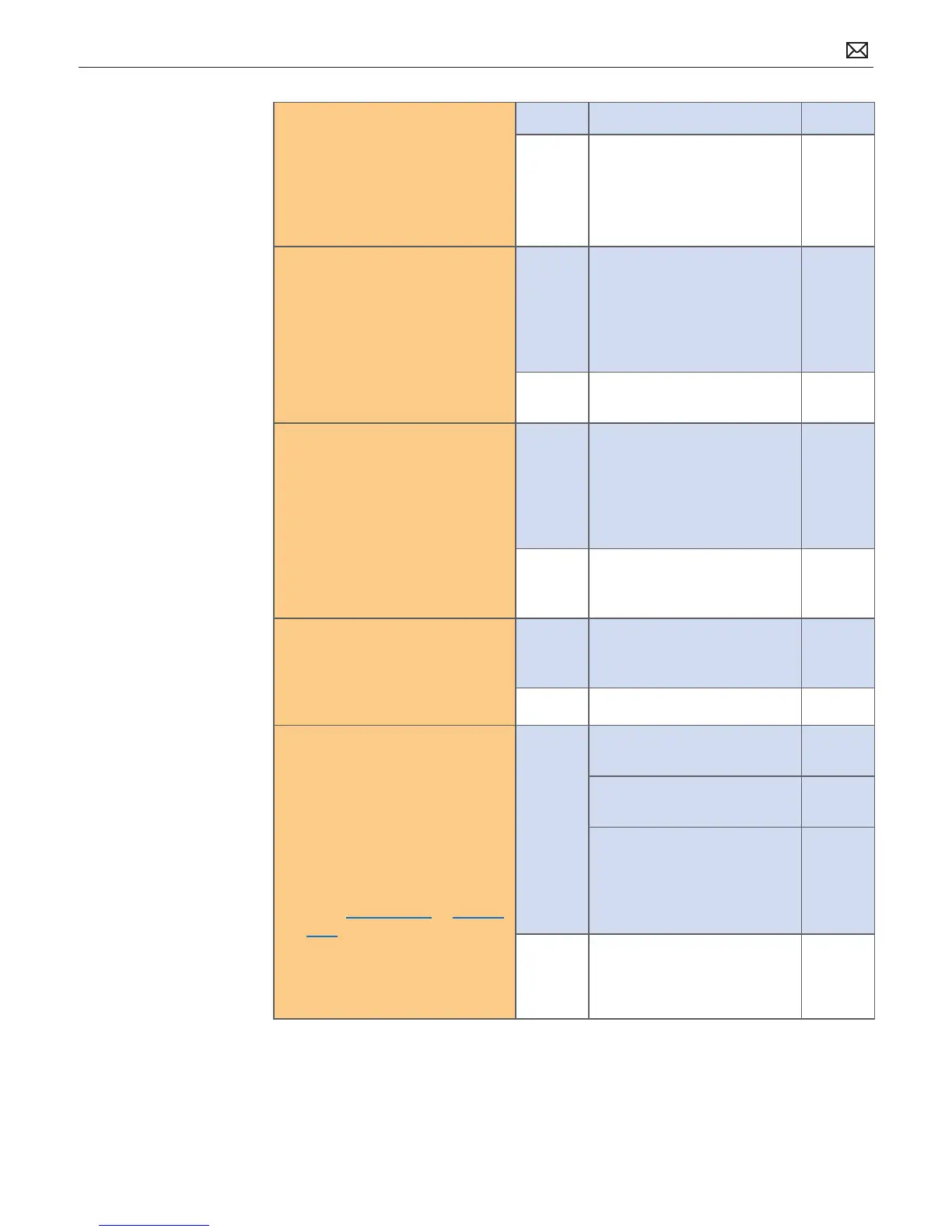
7. Inspect MagSafe port on
computer for physical damage,
debris or metal fragments
attracted to magnetic
connector. Is MagSafe
connector clean and free from
defects?
Yes Go to step 8.
No Clean port assembly. Replace
MagSafe board if necessary.
X03
8. Verify adapter status LED
turns on green then orange
indicating power and battery
charge in progress.
A green LED can indicate a full
battery, removal of battery or
battery not recognized.
Yes System starts and has power.
MagSafe LED indicates power
is owing to logic board.
Verify user battery will also
charge. Review battery health
to ensure user satisfaction.
P11
No AC power is down or battery
is not charging. Go to step 9.
9. Verify power from adapter is
present on logic board.
Remove system battery, use
AC power only. Reseat or test
known-good MagSafe cable to
achieve power for logic board.
Yes Logic board has power
adapter energy to start
system. MagSafe cable reseat
or replacement resolved issue.
If still no system power on
indications, go to step 10.
X03
No AC adapter power not going
to logic board power supplies.
Replace logic board.
M21
10. Verify that the conductive
foam gasket placed over the
camera cable connector does
not short any pins of the logic
board connector.
Yes Reseat foam gasket to
prevent any contact with
logic board connector pins.
No Go to step 11.
11. Test and inspect power button
on top case. Stuck or open
power button or keyboard
disconnect can disable power
on of system. Does system
power on?
If power button does not work,
locate Logic Board Power-On
Pads (for Mid 2009 or for Mid
2010). Short pads to power up
logic board. If power button is
stuck, keyboard cable might
need to be disconnected rst
before shorting pads.
Yes Power button functional,
issue resolved.
Power button works when
keyboard cable is reseated.
Power button appears to
be stuck, had to remove
keyboard cable to power on.
Replace top case for stuck
power button.
K05
No No logic board power on
when shorting power-on
pads. Replace logic board.
M01



 To Next Page