27Chapter 2 Life with Your MacBook Pro
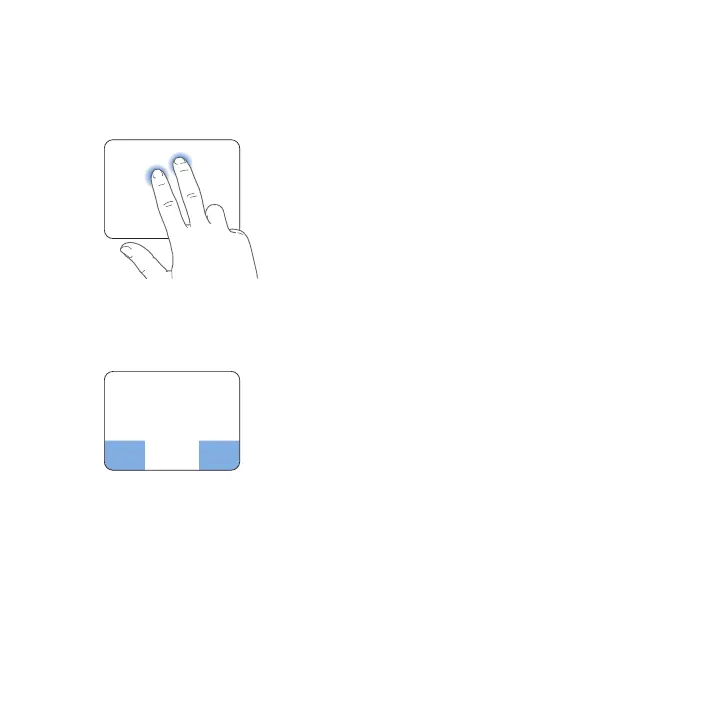
 Secondary-clickingor“right-clicking”letsyouaccessshortcutmenucommands.
•
Tosetuptwo-ngersecondary-clickinganywhereonthetrackpad,select
“Secondaryclick”inthePoint&ClickpaneofTrackpadpreferences.
•
Tosetupaone-ngersecondary-clickzoneinthebottomleftorrightcornerofthe
trackpad,select“Secondaryclick”inthePoint&ClickpaneofTrackpadpreferences,
andchooseanoptionfromthepop-upmenu.
Secondary-clickzone
Note: Youcanalsosecondary-clickbyholdingdowntheControlkeywhileyouclick.



 To Next Page