26 Chapter 2 Life with Your MacBook Pro
Using the Multi-Touch Trackpad
UsethetrackpadtomovethepointerandtoperformavarietyofMulti-Touchgestures.
Unliketypicaltrackpads,theentireMacBookProtrackpadisabutton,andyoucanclick
anywhereonthetrackpad.ToenableMulti-Touchgestures,viewinstructionalvideosof
thegestures,andsetothertrackpadoptions,chooseApple()>SystemPreferences,
andthenclickTrackpad.
HerearewaystouseyourMacBookProtrackpad:
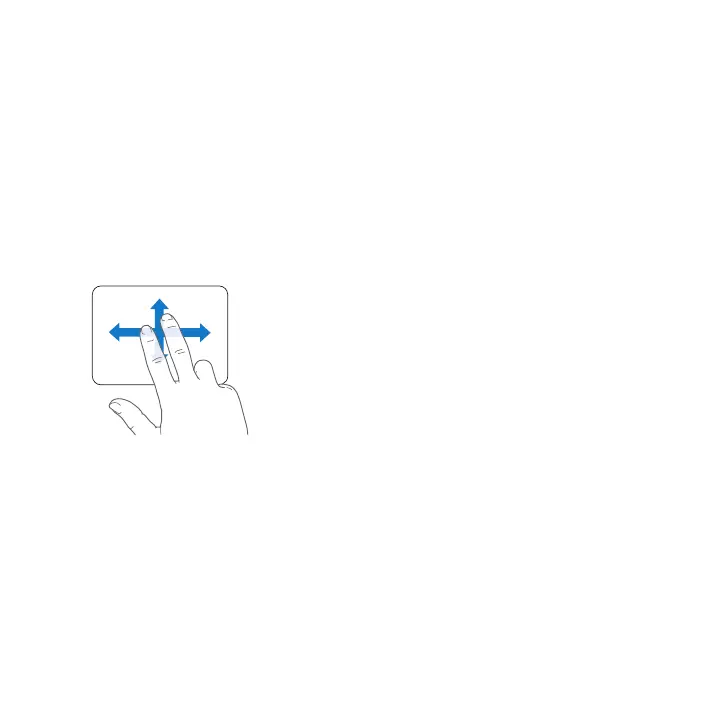
 Two-nger scrollingletsyoudragtoscrollquicklyup,down,orsidewaysinthe
activewindow.



 To Next Page