29Chapter 2 Life with Your MacBook Pro
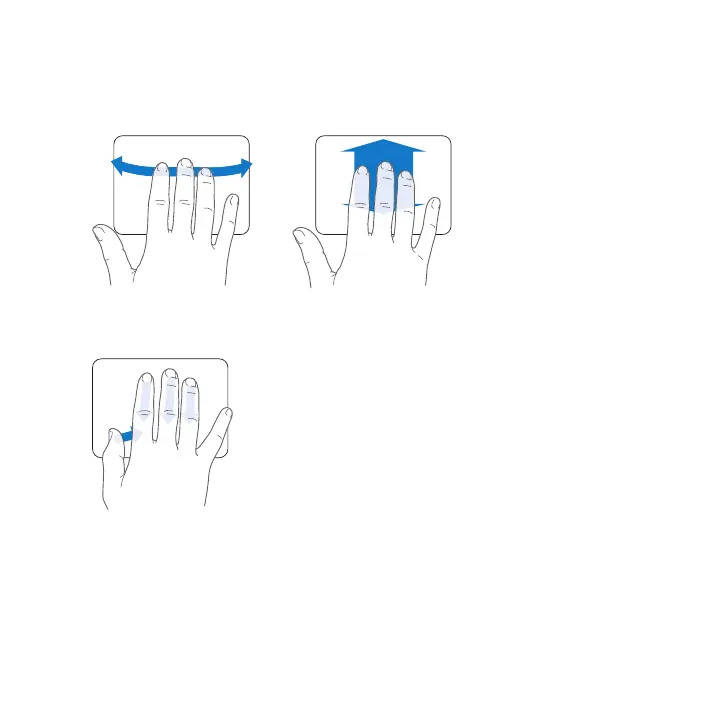
 Three-nger swipingworksintheFinderandallapplications.Swipingthreengersto
theleftorrightletsyoucyclethroughfull-screenapplications.Swipingthreengers
upopensMissionControl.Youcanalsosettheseoptionstoworkwithfourngers.
 Four-nger pinchingdisplaysLaunchpadwhenyoupinchyourthumbandthree
ngerstogether.Spreadthesamengersaparttoreturntothedesktop.
Note: Youcanspecifyotherfunctionsformanygestures.Fordetailsaboutallavailable
gestures,chooseApple()>SystemPreferences,andthenclickTrackpad.Clickthe
checkboxestoturngesturesonoro,andexplorethepop-upmenustoseethe
optionsforeachgesture.



 To Next Page