55Chapter 4 Problem, Meet Solution
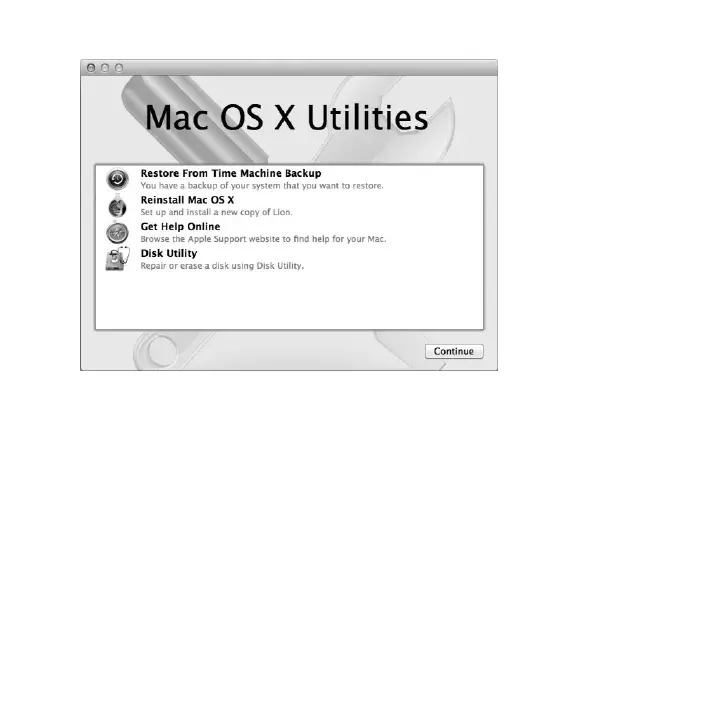
UsetheMacOSXUtilitiesapplicationto:
 RestoreyoursoftwareanddatafromaTimeMachinebackup.
 ReinstallMacOSXandAppleapplications.
 Restoreyourcomputertoitsfactorysettingsbyerasingitsdiskandreinstalling
MacOSXandyourAppleapplications.
 Repairyourcomputer’sdiskusingDiskUtility.
Ifyourcomputerdetectsaproblem,itopenstheMacOSXUtilitiesapplication
automatically.Youcanalsoopenitmanuallybyrestartingyourcomputer.



 To Next Page