MacBook Pro Basics— General Information 9
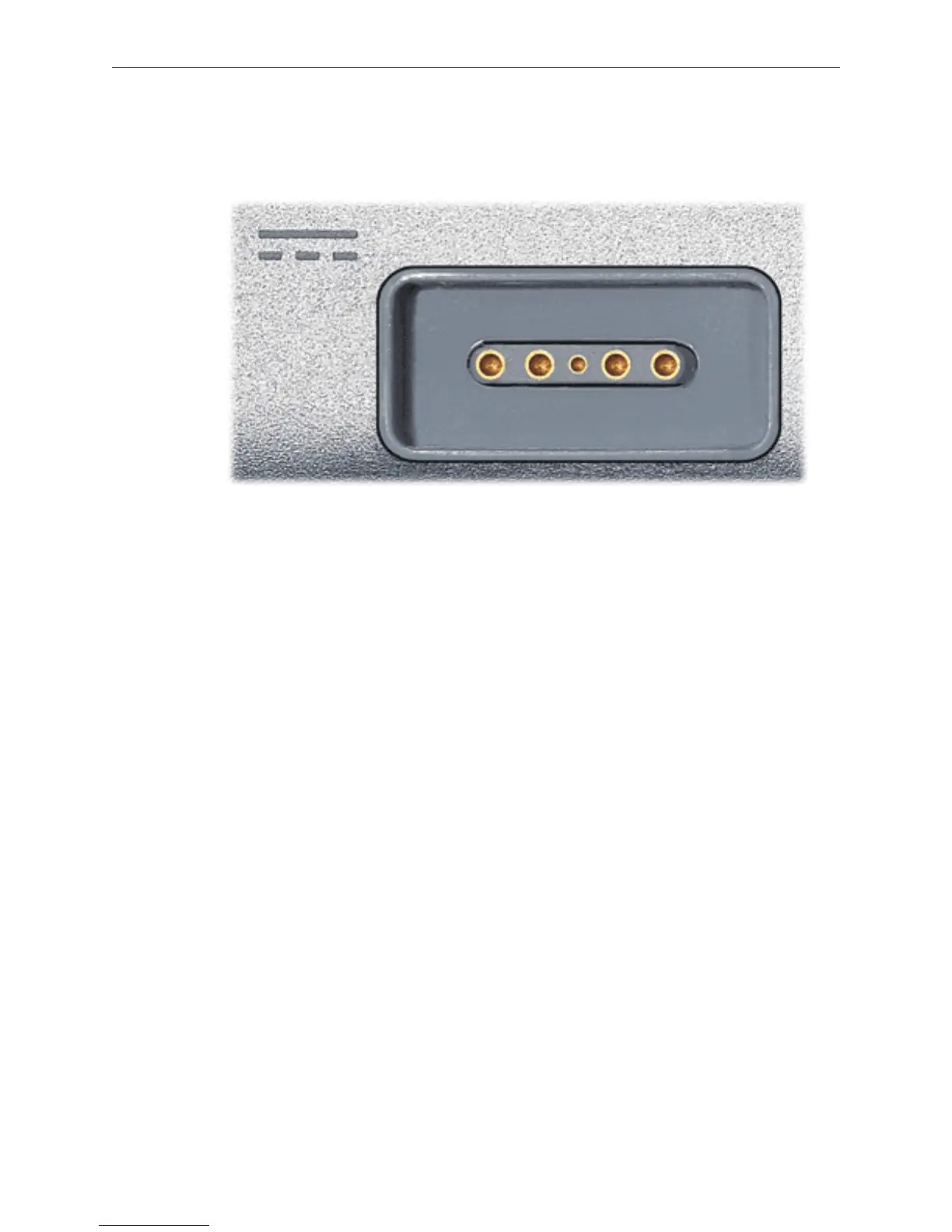
As the computer port has the magnet, as you are servicing the system it is recommended to
put a piece of tape over the connector to avoid materials such as screws and washers to be
inadvertently drawn into it.
15.4-inch Display
The MacBook Pro is the rst Mac notebook to the use the 15.4-inch size display. In addition, it
is the brightness display used. As such, care must be exercised to avoid damaging the display
panel. As you will see in the design, contact with the rear of the panel has been minimized. Do
not put any new material such as tape on the back of the display panel nor press hard on it while
handling it.
Top Case
As the sleep magnet has been relocated to the side of the display bezel, the sleep sensor is now
located to the right side of the top case just around the bottom of the perforated
Keyboard
The keyboard is the same design as shipped with the PowerBook G4 (15-inch/17-inch Double
Layer SD) except the ex cables. In particular, the keyboard backlight ex has changed. As such
no other internal keyboard is compatible with MacBook Pro.
Mass Storage (Hard drive and optical drive)
The hard drive has changed to a Serial ATA interface. This drive is new and previous PowerBook
drives will not work in this system.
The optical drive is a 9.5mm high drive. Previously optical drive has 12.7mm height. As with
previous designs, the drive should be at in its compartment before fastening it down. This step
ensures proper path for optical media to enter and exit the drive.





 To Next Page