Chapter 1
Getting Started
11
Step 3: Turn On Your MacBook Pro
1
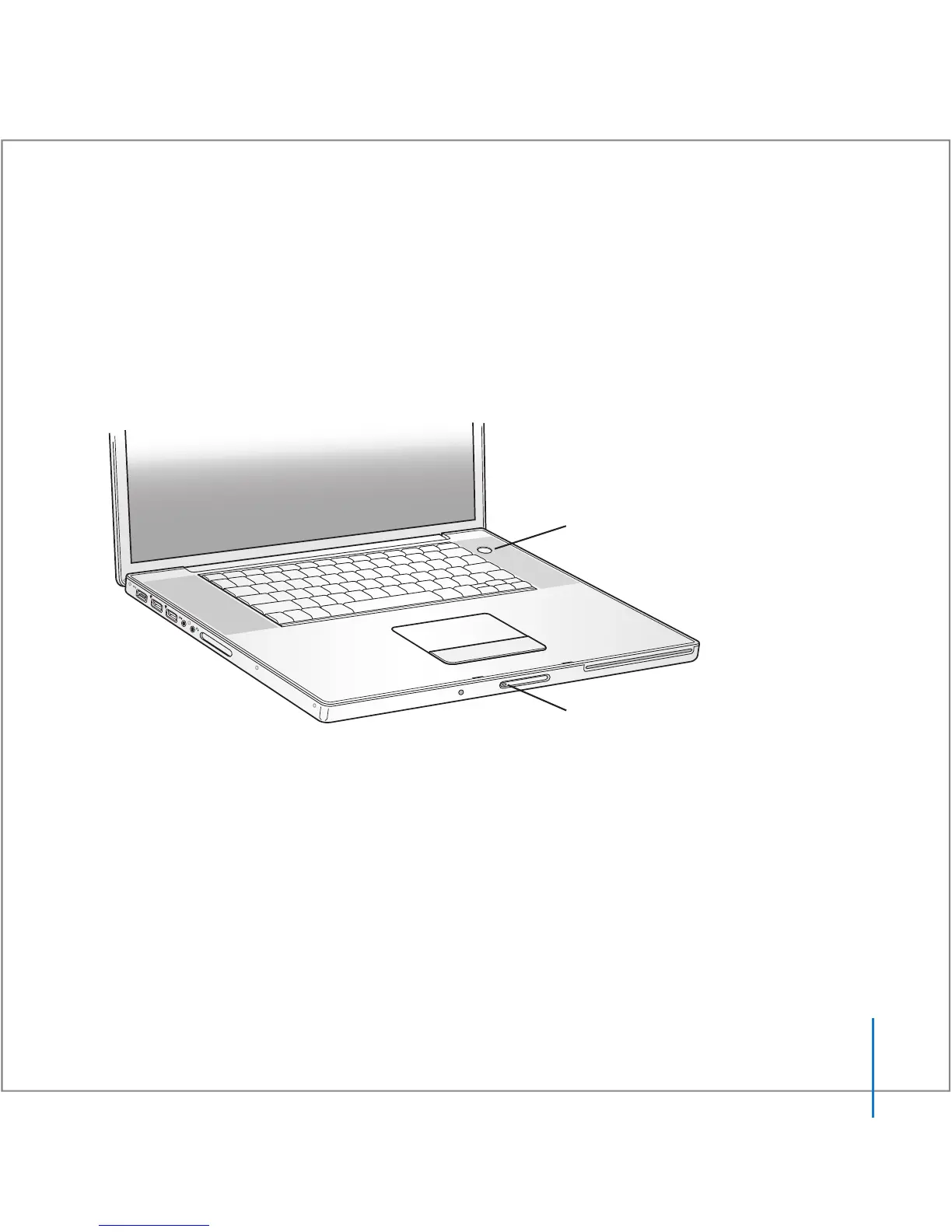
To turn on the MacBook Pro, press the power (®
) button briefly (up to 1 second).
You hear a tone when you turn on the computer. Do not press the power button after
the startup tone or you might cause the computer to shut down again.
When you turn on the computer, you should see the sleep indicator light turn on
(and stay on).
It takes the MacBook Pro a few moments to start up. After it starts up, the sleep
indicator light turns off, and Setup Assistant opens automatically.
®
® Power button
Sleep indicator light





 To Next Page