90 Chapter 4 Adding Memory to Your MacBook Pro
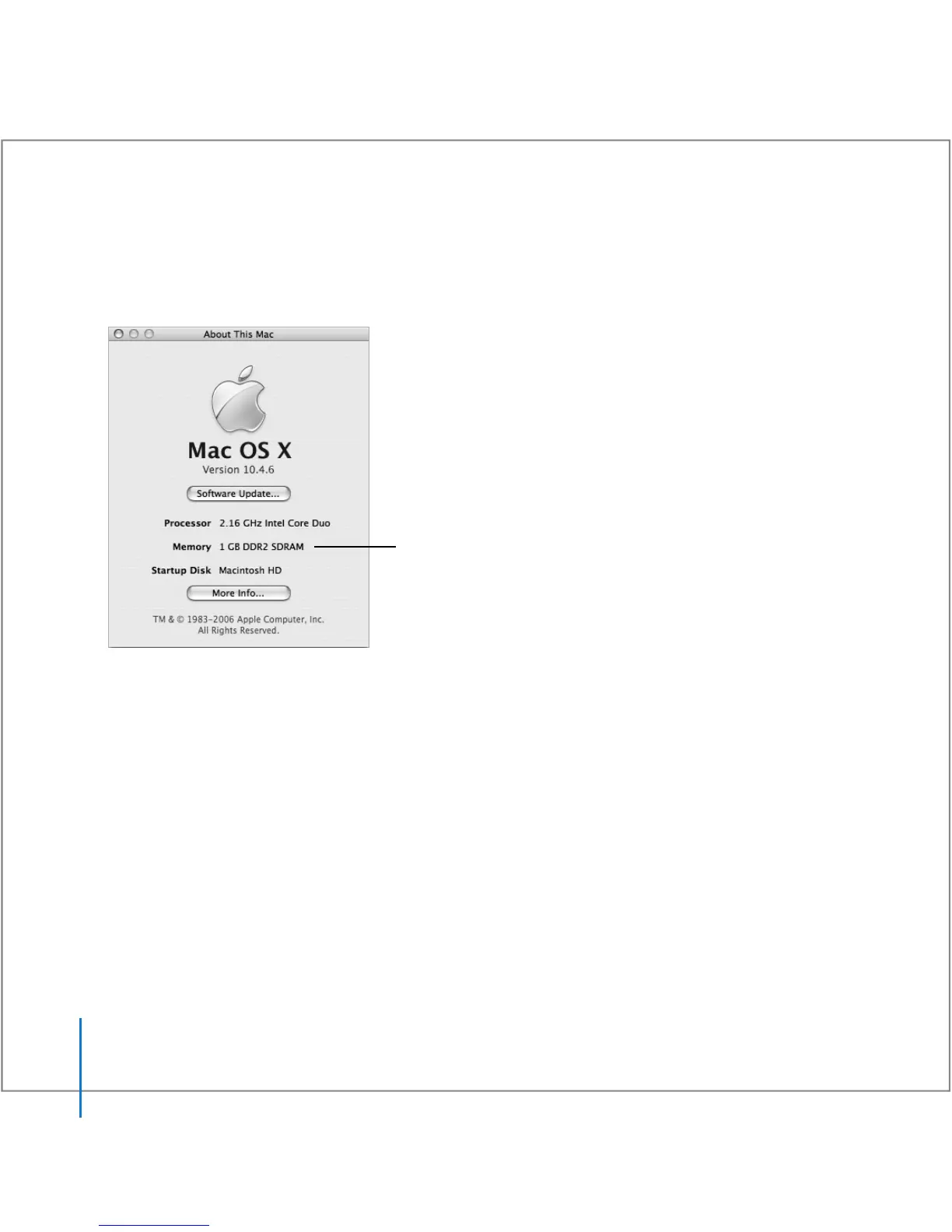
To check the computer’s memory:
1 Start up your MacBook Pro.
2 When you see the Mac OS desktop, choose Apple () > About This Mac.
For a detailed breakdown of the amount of memory installed in your computer,
open System Profiler by clicking More Info and then Memory.
If your computer doesn’t recognize the memory or if it doesn’t start up correctly, shut
down your MacBook Pro and check the instructions again to make sure the memory
you installed is compatible with your MacBook Pro and that it is installed correctly.
If you still have problems, remove the memory and consult the support information
that came with the memory or contact the vendor who provided the memory.
Total memory installed
in your MacBook Pro





 To Next Page