© 2006, 2008 Apple Inc. All rights reserved. MacBook (13-inch) Memory (DIMMs) 3
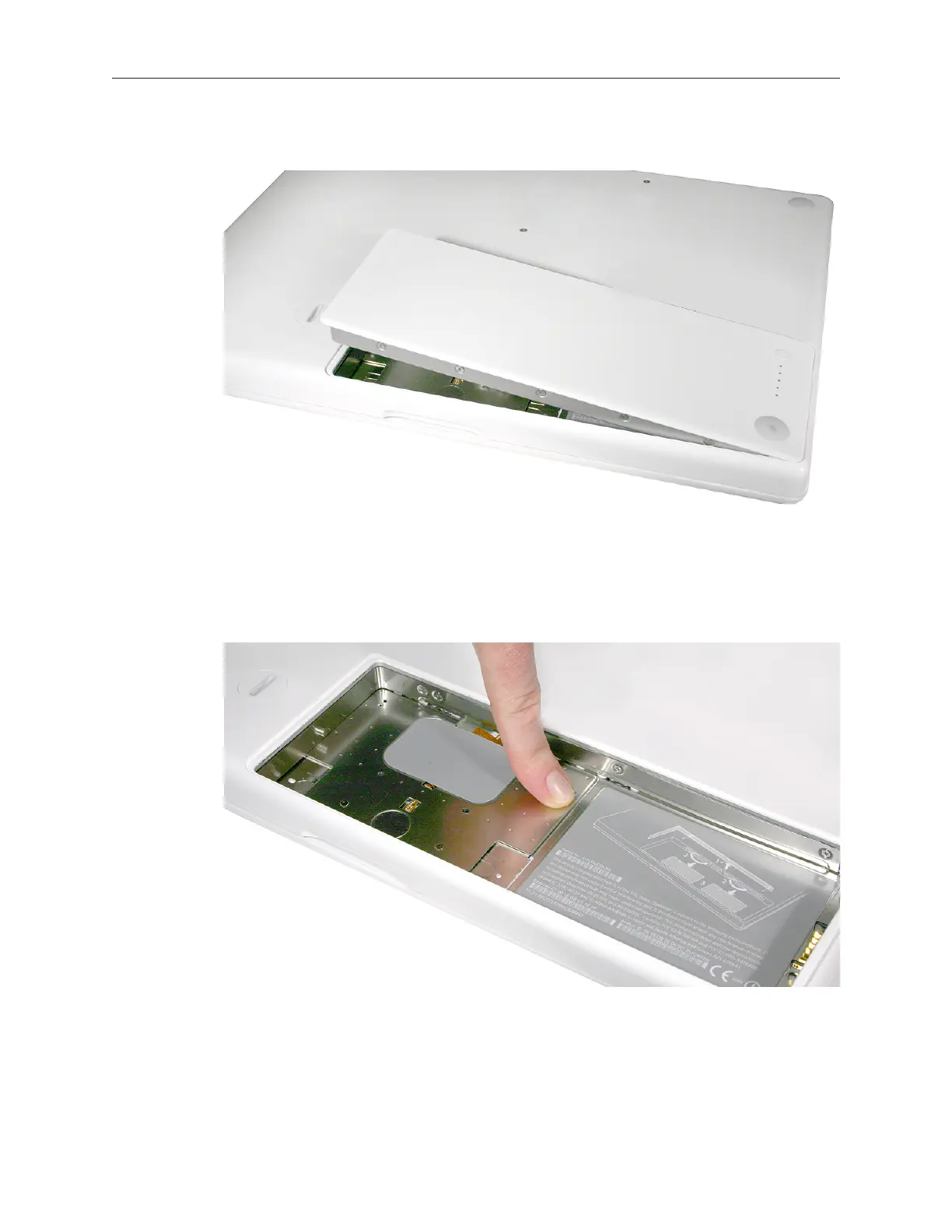
Lift out the battery from the battery bay. 7.
Touch a metal surface inside the battery bay to discharge any static electricity. 8.
Important: Always discharge static before you touch any parts or install any
components inside the computer. To avoid generating static electricity, do not walk
around the room until you have nished working and closed the computer.



 To Next Page