© 2006, 2008 Apple Inc. All rights reserved. MacBook (13-inch) Memory (DIMMs) 7
Replacing the DIMMs
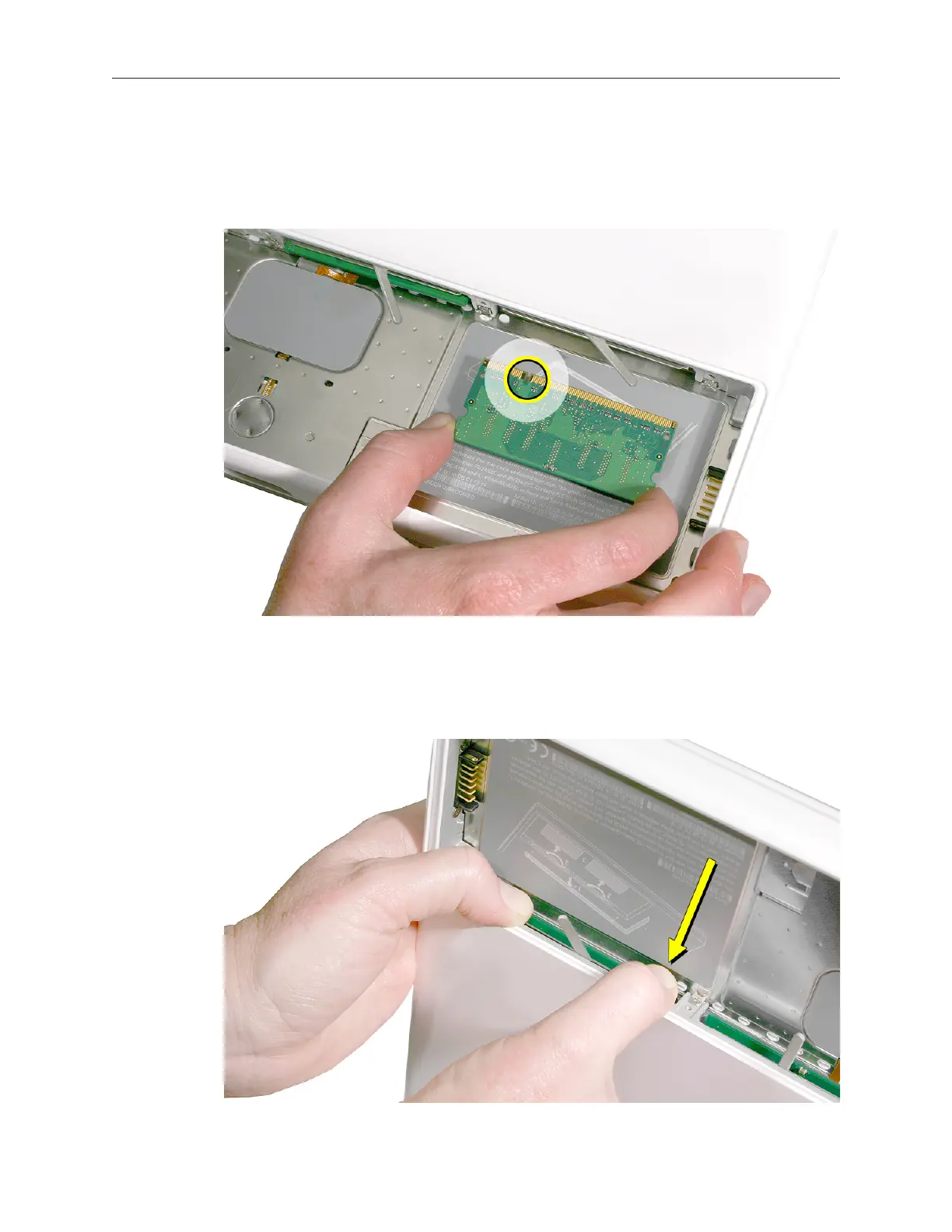
Align the memory card so that the gold connectors face the slot and the notch is on the left. 1.
(The chip side of the board faces down.)
Use two ngers to push rmly on the edge of the memory cards. If there is a tight t, 2.
installing the cards may take some force to ensure that they are fully inserted.



 To Next Page