© 2006, 2008 Apple Inc. All rights reserved. MacBook (13-inch) Memory (DIMMs) 8
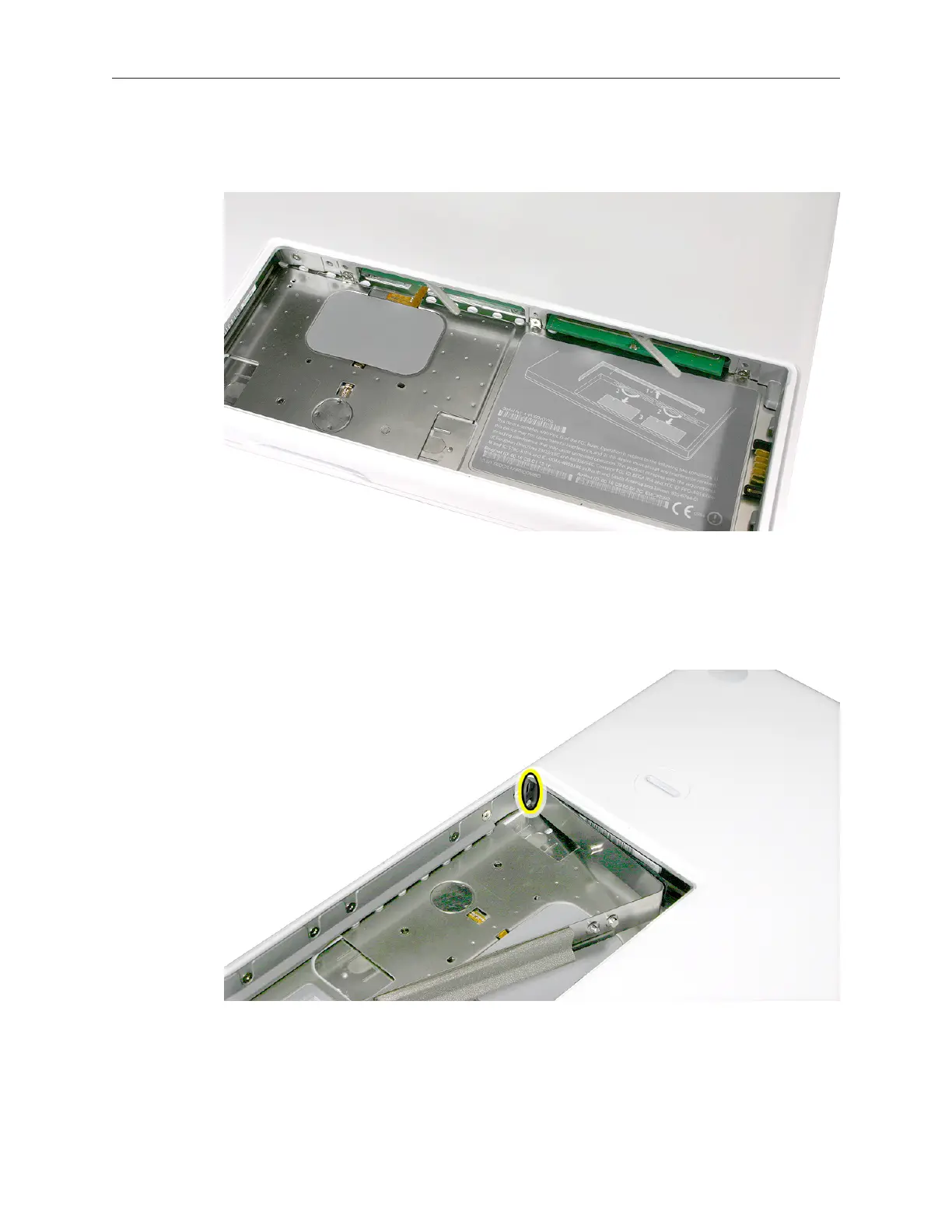
Important: When the cards are fully inserted, the edges of the cards are hidden, as shown by
the recessed card on the left in the image below.
If the levers do not return to the closed position, move them to close them.3.
Install the replacement RAM door by rst aligning the short end at the notch near the hard 4.
drive opening.



 To Next Page