MacBook (13-inch) Take Apart — Logic Board 119
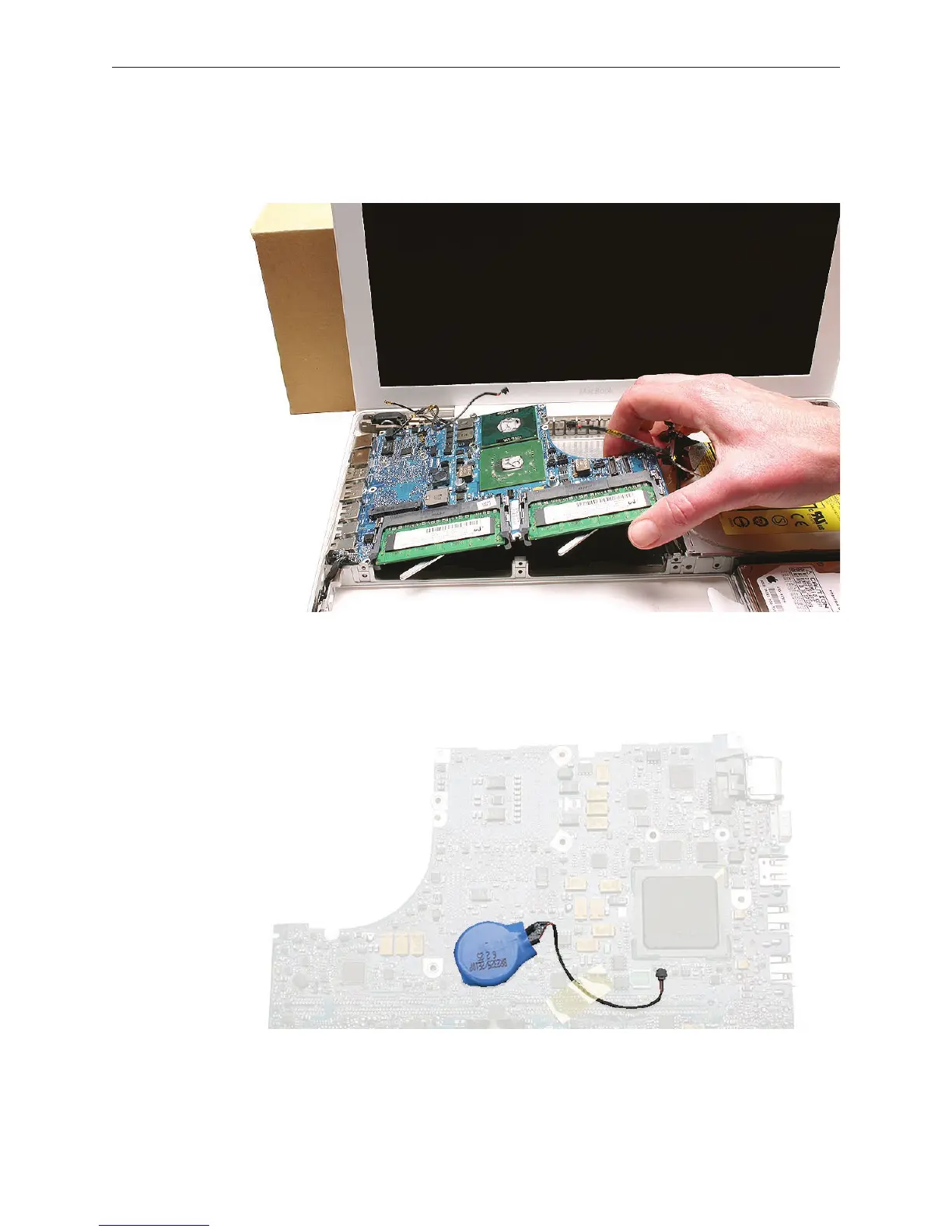
Replacement Note: When replacing the logic board, make sure all cables are kept clear of
the board, and the I/O shield is securely positioned along the ports. Use a black stick, if
necessary, to slightly ex the port side of the bottom case to install the logic board.
If you are installing a new logic board, transfer the following parts to the replacement board:
• Backup battery on the underside of the logic board (Refer to Backup Battery in this
chapter)
• Tape at the edge of the board between the inverter connector and the large chip
• AirPort Extreme Card
9.



 To Next Page