MacBook (13-inch) Take Apart — Logic Board 118
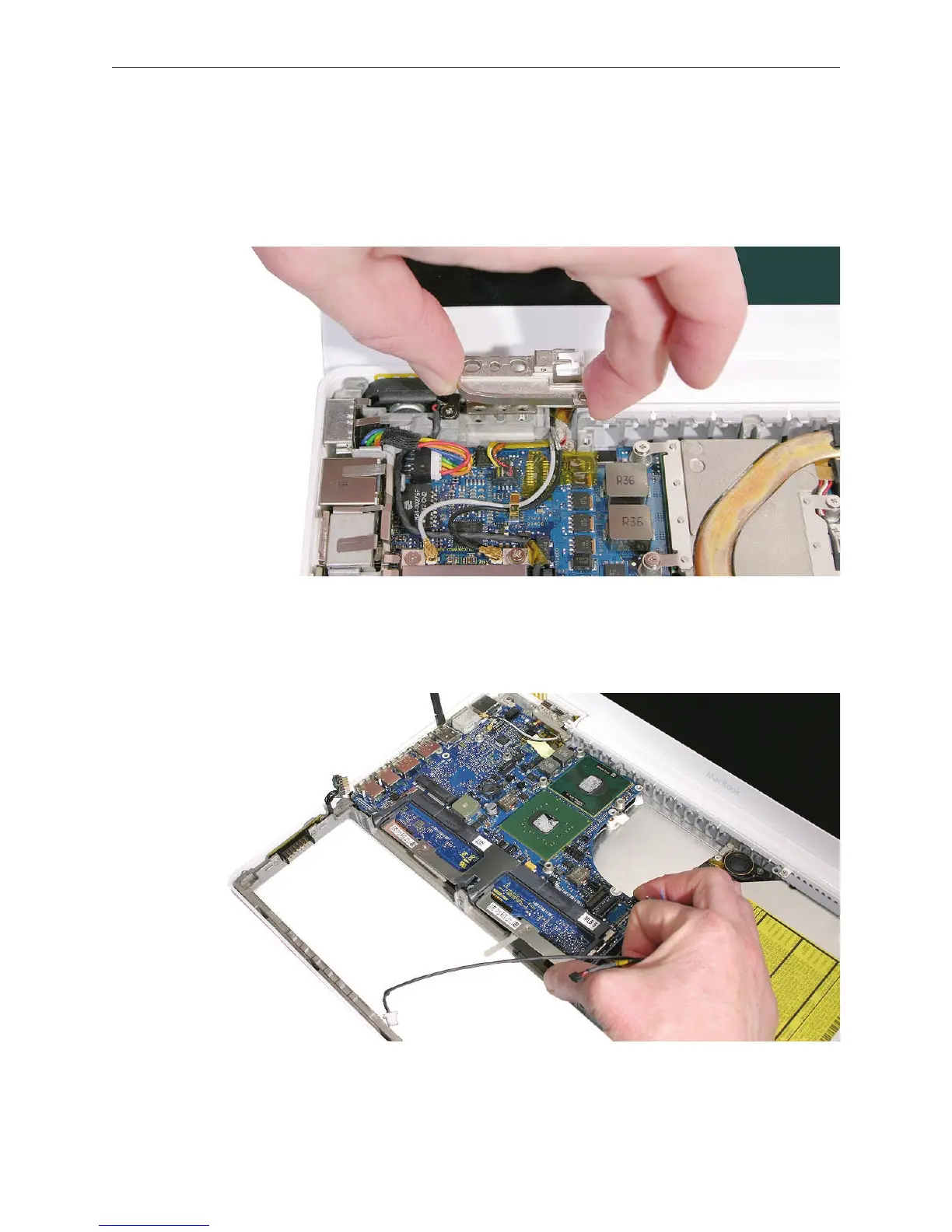
Remove the left clutch block and clutch cap, and move aside any cables that overlap the
logic board.
Note: Disregard the cable assembly state shown in the image below.
Replacement Note: When reinstalling the clutch block, refer to “Clutch Block, Left” in this
chapter.
Holding the logic board by its right side, tilt it up and with a small rocking motion, remove it
at an angle away from the I/O ports. You might nd it helpful to use a black stick between
the side of the bottom housing and the ports.
7.
8.



 To Next Page