MacBook (13-inch) Take Apart — Display Bezel 155
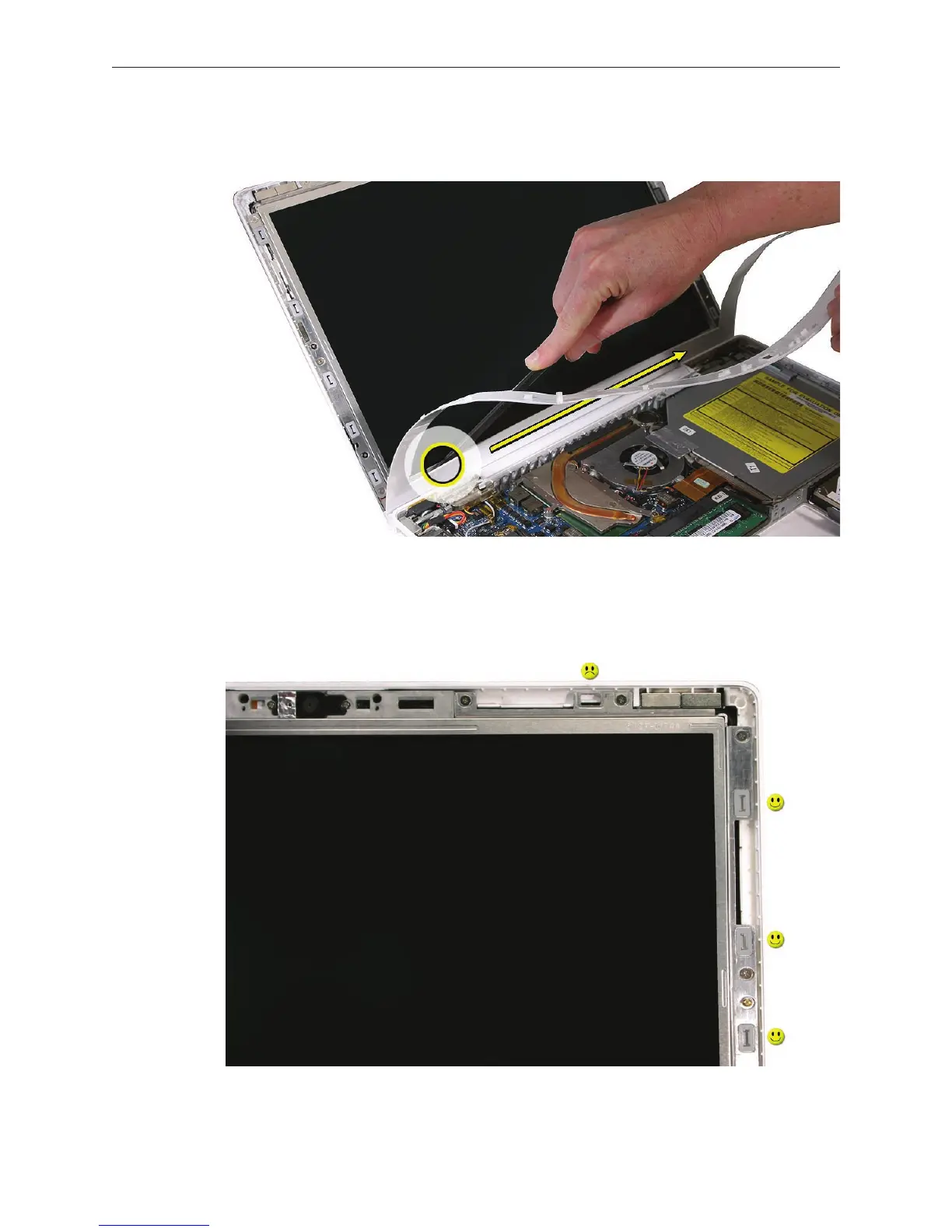
To loosen the bottom of the bezel, run a black stick along the inner edge where the bezel
meets the LCD frame. Do not touch the display face.
Note: If you have a plastic sheet that can protect the LCD panel, cover the display face.
Lift o the bezel.
Check for any mounting clips around the LCD frame that pop o or appear to be missing.
2.
3.
4.


 To Next Page
 Loading...

