MacBook (13-inch) Take Apart — Display Bezel 157
Replacement Procedure
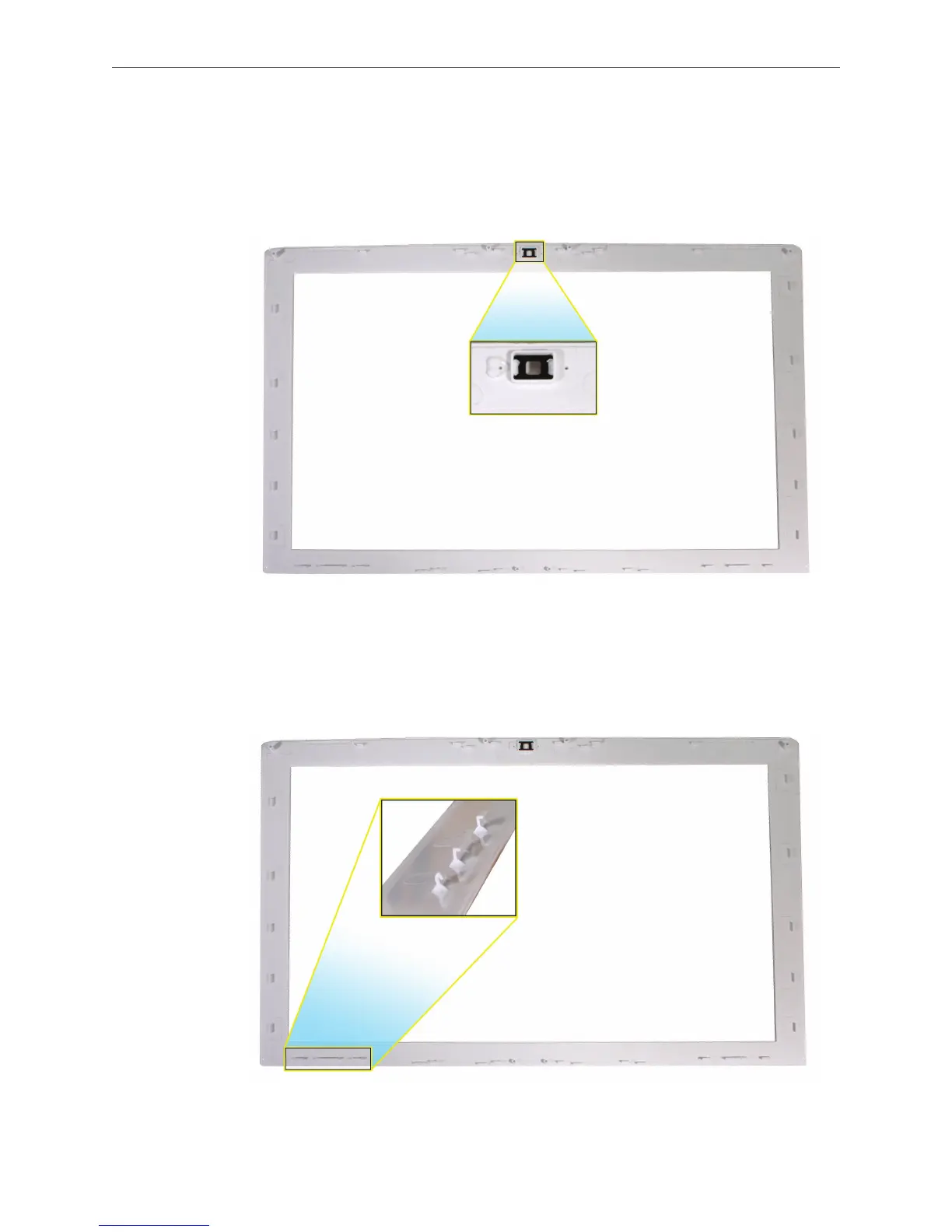
Important: Before installing a replacement bezel, be sure to check the camera area, and peel o
the dust cover lm that comes with a new bezel.
Replacement Caution: The lower corners of the bezel include mounting hooks that dier in
design from the snaps at the top and sides of the bezel. Incorrectly installing this area of the
bezel can result in bent hooks and a bezel gap that would require bezel replacement. These
hooks must be installed as follows.


 To Next Page
 Loading...

