MacBook (13-inch) Take Apart — Bezel Mounting Clips 161
Removal Procedure
Caution: When working near the bezel brace, cover the LCD panel with a soft cloth to avoid
scratching the display.
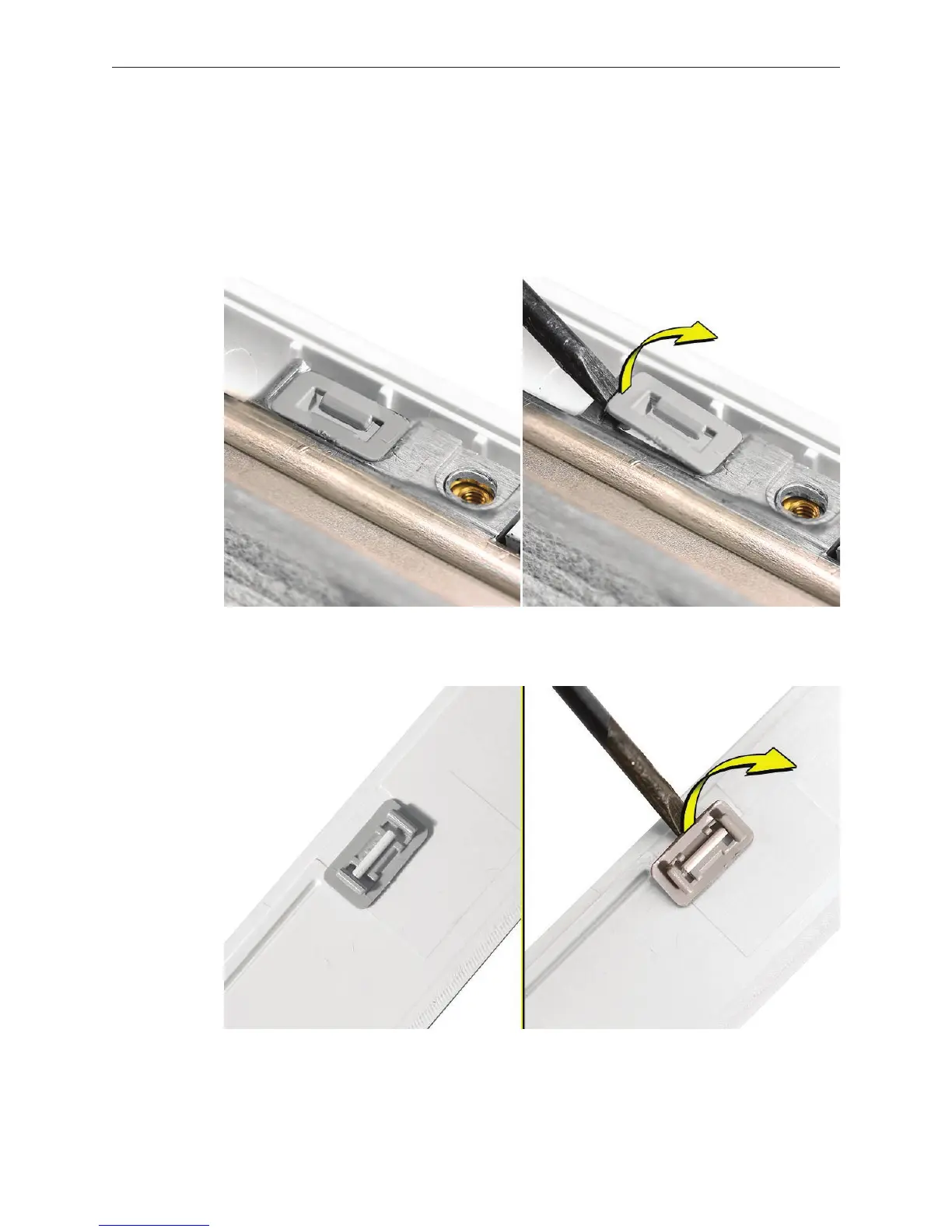
Use a jeweler’s atblade screwdriver to pry up the mounting clip.
• If you are removing the clip from the bezel brace, pry it up from one of the narrow ends.
• If you are removing the clip from the display bezel, pry it up from one of the wide sides.
1.


 To Next Page
 Loading...

