MacBook (13-inch) Take Apart — Bezel Mounting Clips 163
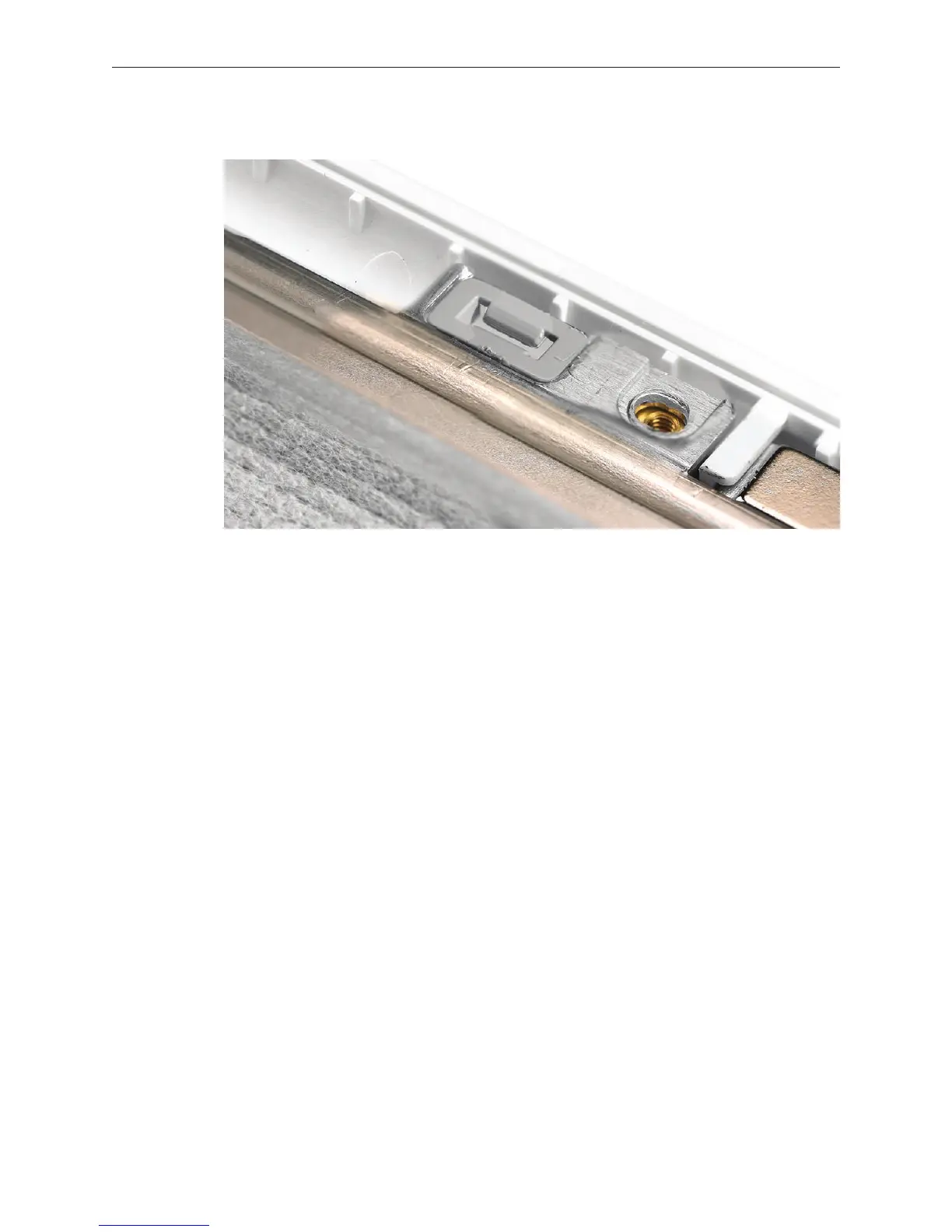
Press the clip into place so that it is level with the bezel brace.
Make sure all twelve clips t correctly in the bezel brace and that no clips remain on the
inner side of the display bezel.
Install the replacement mounting clips, and reassemble and test the computer.
3.
4.
5.


 To Next Page
 Loading...

