MacBook (13-inch) Take Apart — C-Channel 168
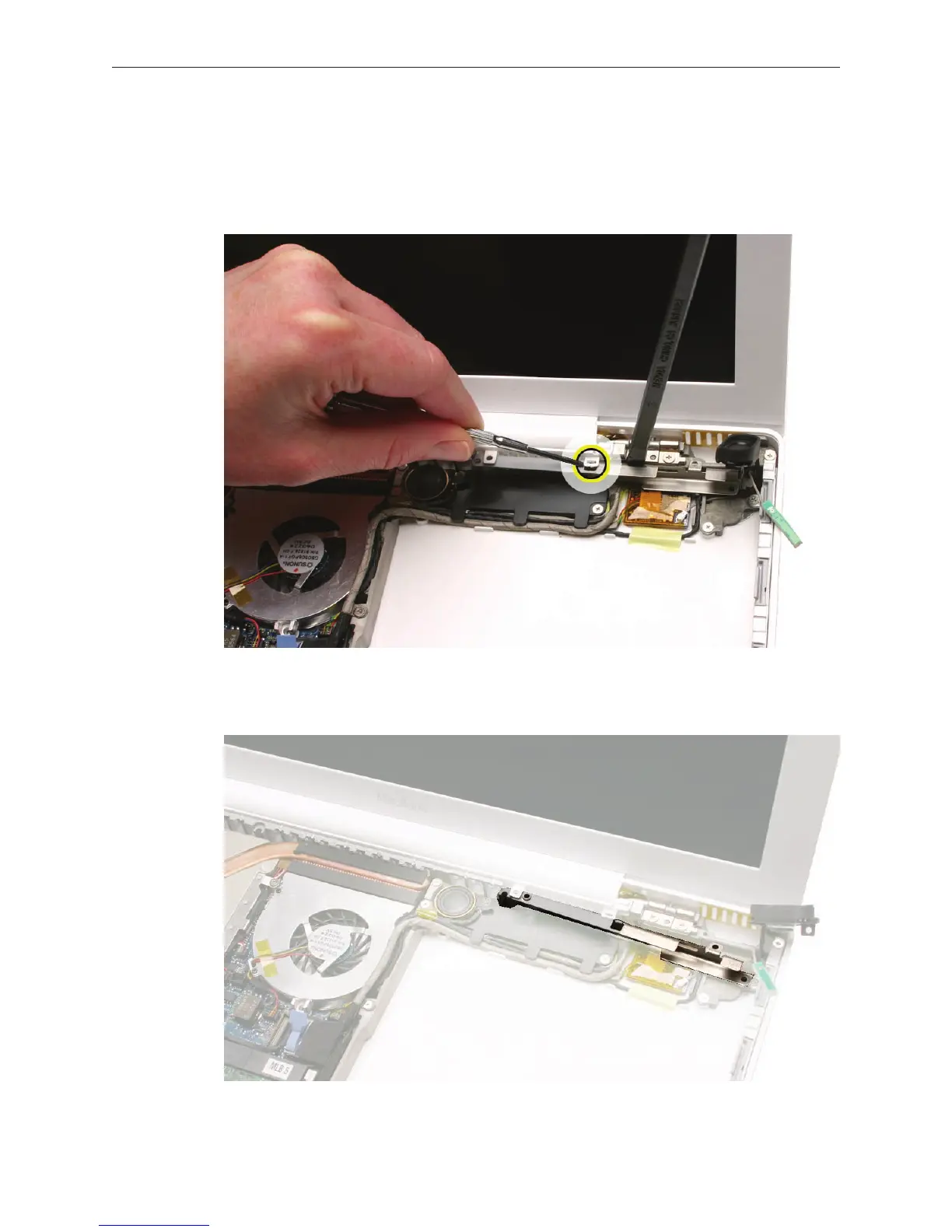
Note that the C-channel has a locator tab that ts into the slot in the vent cover.
Wedge a black stick between the right clutch block and the C-channel. Then, at the vent
cover slot, use a jeweler’s atblade screwdriver or your ngernail to lightly tilt up the slot as
you pivot the C-channel forward and out of the bottom case.
Replacement Note: Tip the left end of the C-channel in rst. Then slide the channel under
the vent cover slot and into the bottom case so that all three screw holes align.
3.
4.


 To Next Page
 Loading...

