MacBook (13-inch) Take Apart — Clutch Block, Right 179
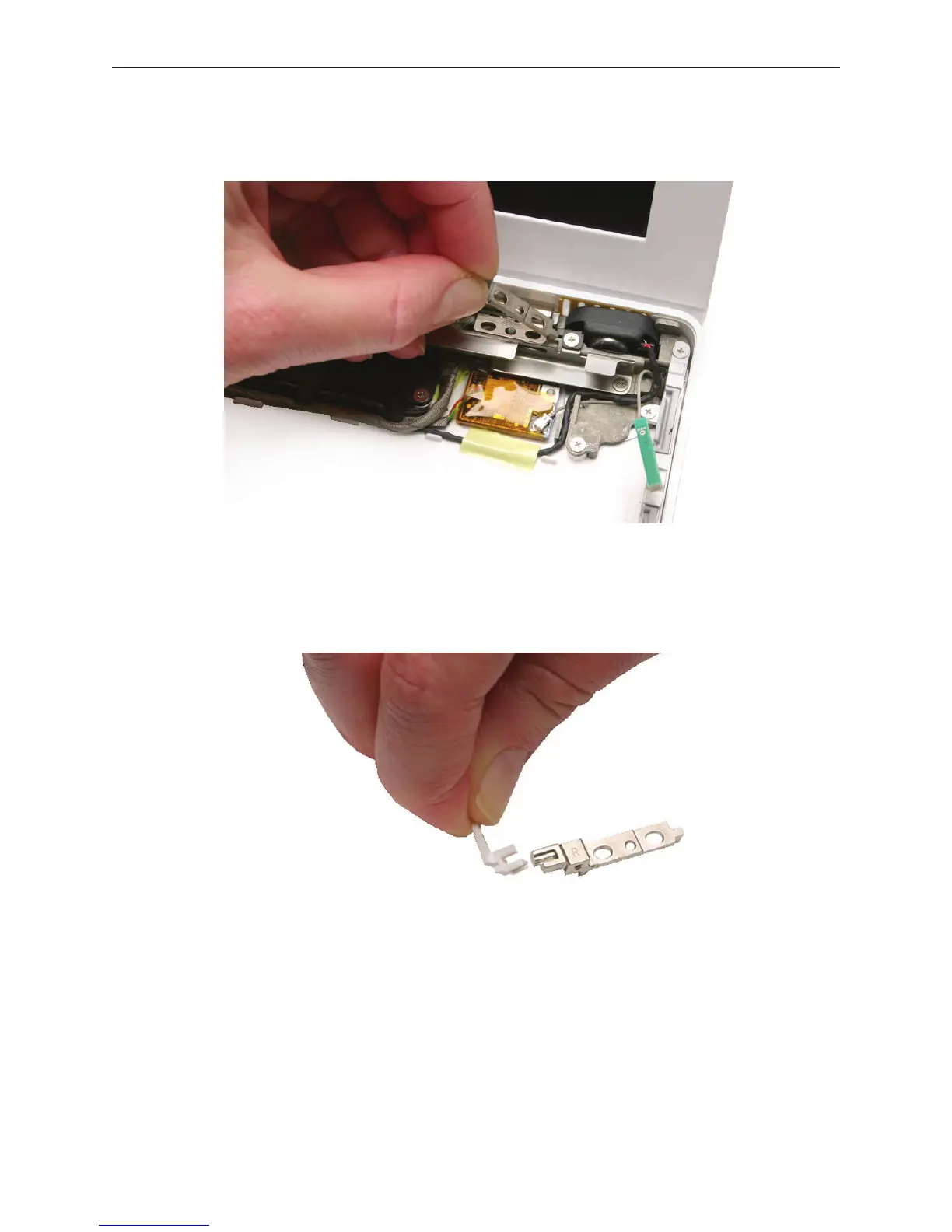
Replacement Note: Tilt the right end of the clutch block into the rear panel rst. Then make
sure the left end with the clutch cap aligns properly before installing the screws.
Note: Unlike the left clutch block, there is no mesh pad on the right clutch block.
Replacement Note: Notice how the right clutch cap comes loose as soon as the clutch block
is removed. Make sure the right clutch cap is tted into the clutch block, and hold it in place
before installing the screws.


 To Next Page
 Loading...

