MacBook (13-inch) Take Apart — RAM Door 19
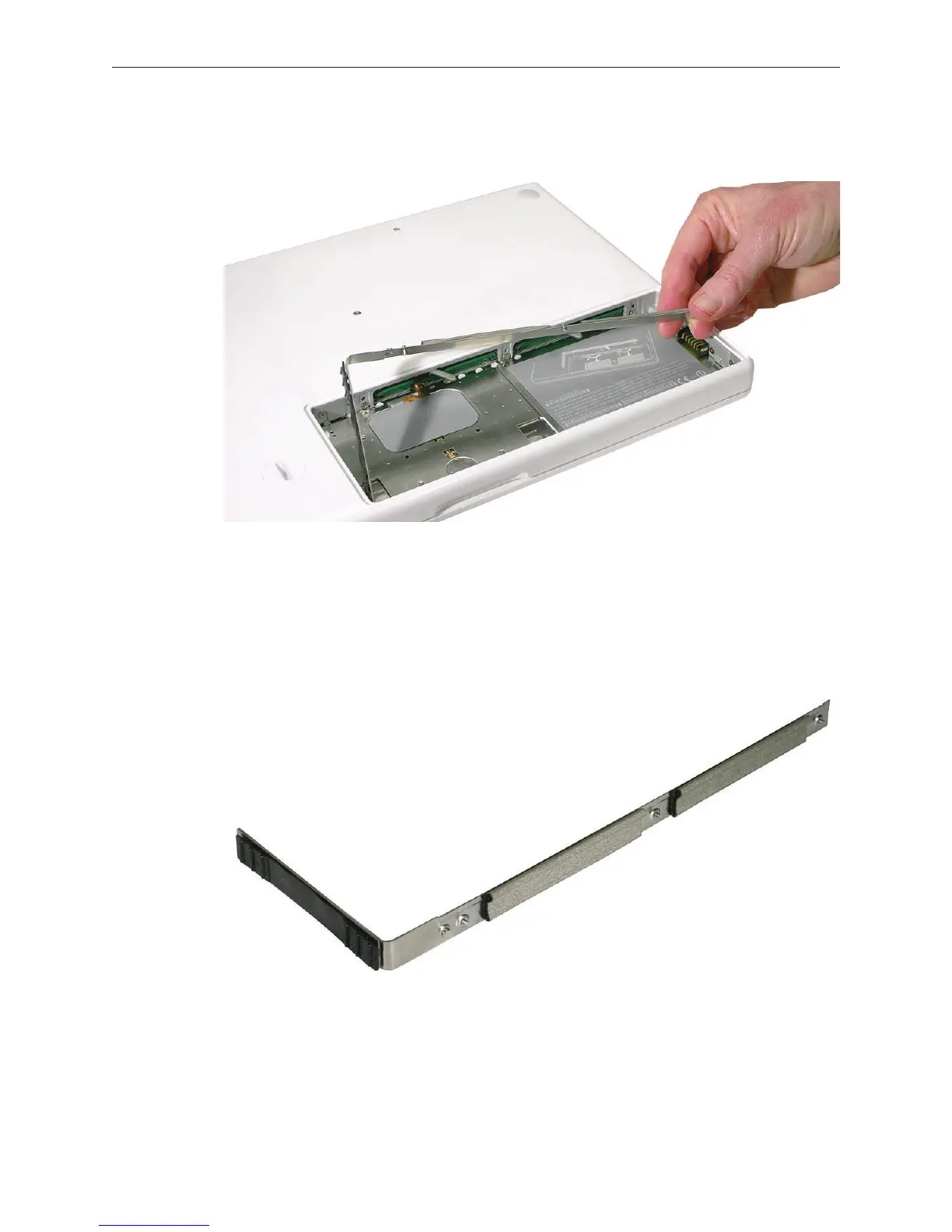
Holding the long end of the L-shaped RAM door, pivot it out from the battery bay. (If
necessary, use a black stick to tilt it up and out of the battery bay.) Be careful not to bend it.
Replacement Note: Before replacing the RAM door, make sure that
• Hard drive pull tab is not exposed
• Cards are fully inserted
• Memory card levers are fully down before replacing the RAM door
Replacement Note: Check that the replacement RAM door has a rubber cushion to protect
the hard drive opening and two EMI gaskets to protect the memory card openings.
3.



 To Next Page