MacBook (13-inch) Take Apart — RAM Door 20
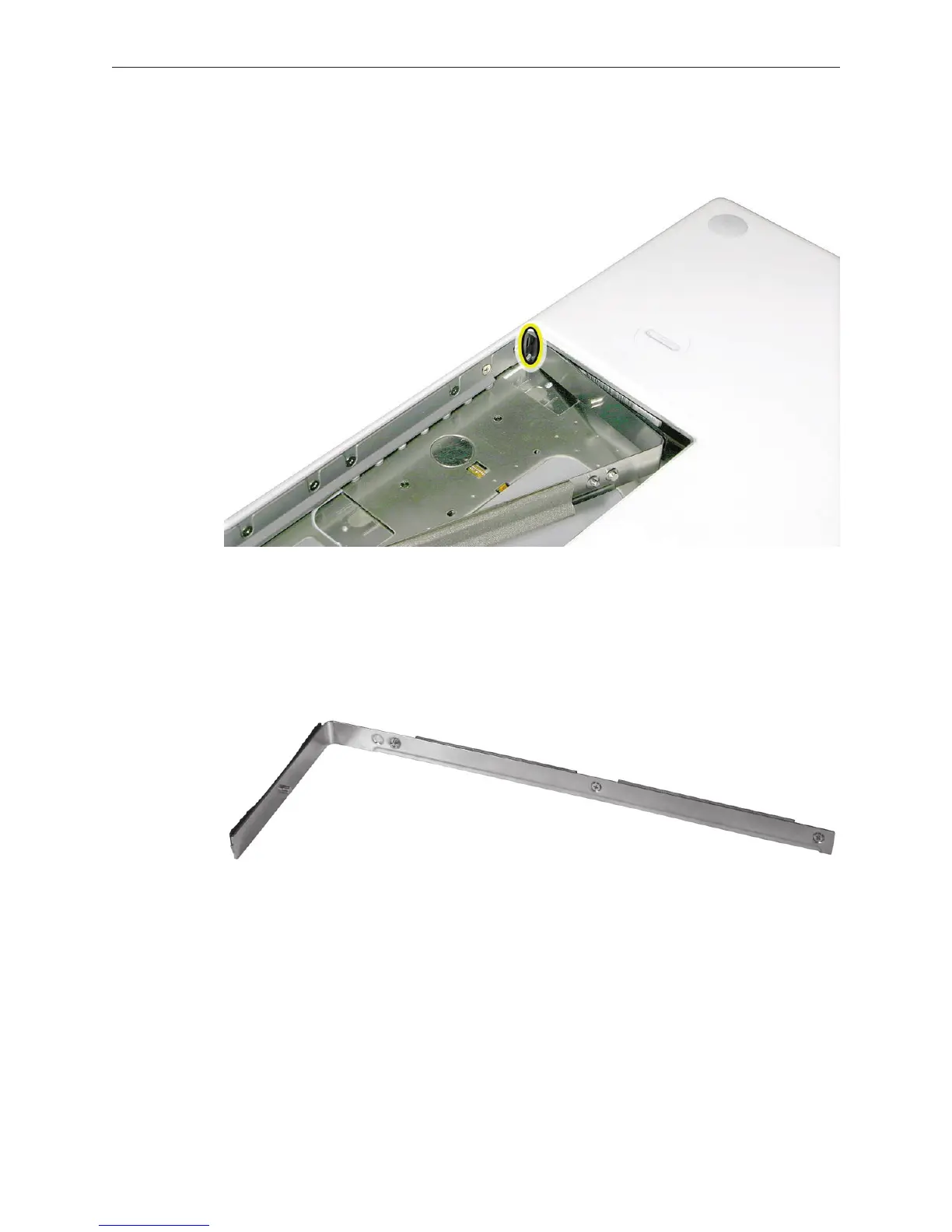
Replacement Note: Install the replacement RAM door by rst aligning the short end at the
notch near the hard drive opening.
Replacement Note: Use a black stick, if necessary, to tuck in the EMI gaskets so they do not
protrude from the edge of the battery bay. Make sure the three screws align with the holes
in the bottom case before tightening them.
Reassemble and test the computer.
4.
5.



 To Next Page