MacBook (13-inch) Take Apart — Antenna Receptor and Cable, Right 217
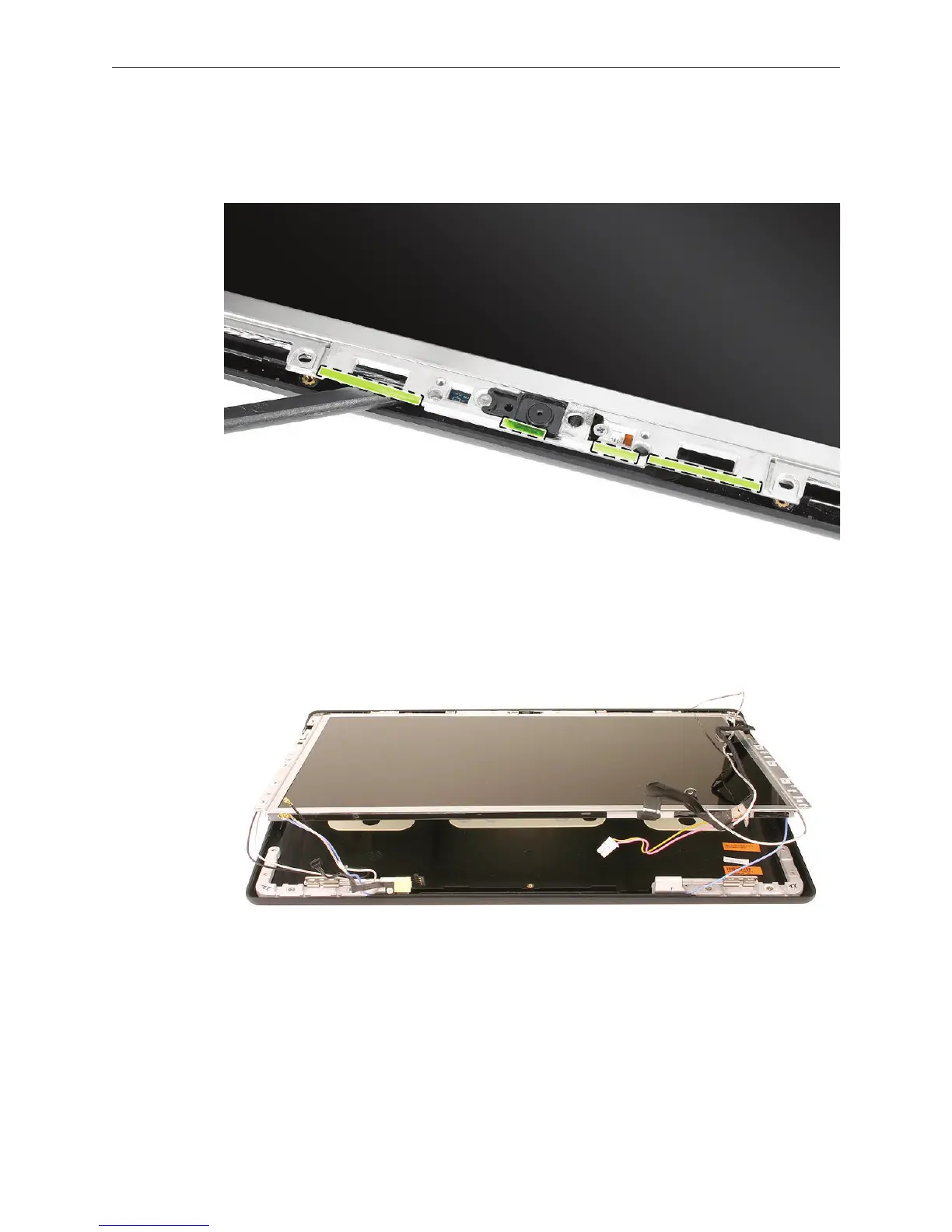
Note: The top of the display includes four thin, clear strips of double-sided tape. These are
the camera spacers that are discussed later in this chapter. Be sure to reinstall them if they
become loose.
Without straining the blue antenna cable, tilt up the LCD panel. 3.


 To Next Page
 Loading...

