MacBook (13-inch) Take Apart — LCD Panel Assembly 227
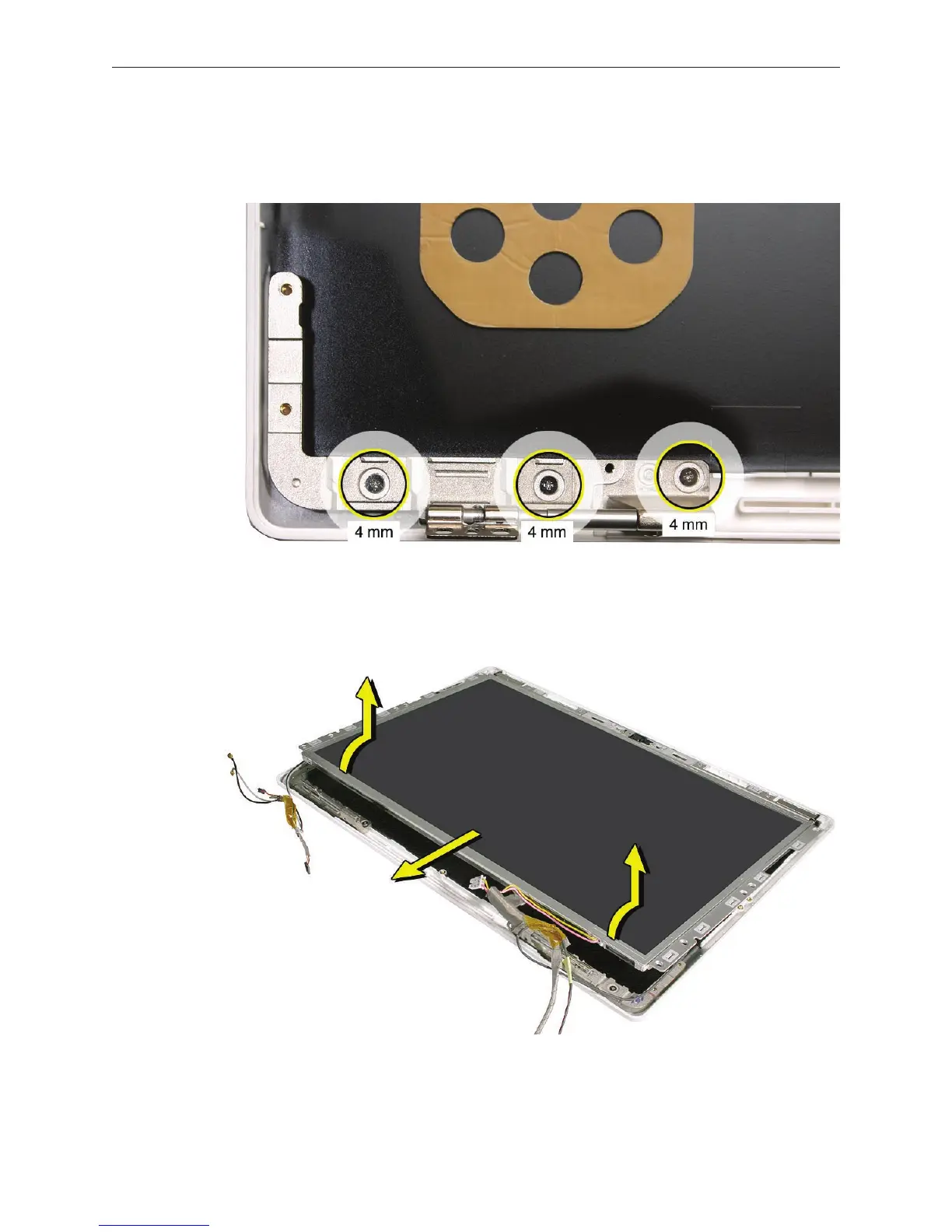
For the Late 2006 model only, tilt up the LCD panel just enough to remove the left hinge.
Refer to the section “Display Hinges, Left and Right. ”The blue wireless antenna cable is
routed under the left hinge.
Starting at the bottom corners, lift the LCD panel with frame and attached cables o of the
display rear housing.
4.
5.


 To Next Page
 Loading...

