MacBook (13-inch) Take Apart — LCD Panel Assembly 233
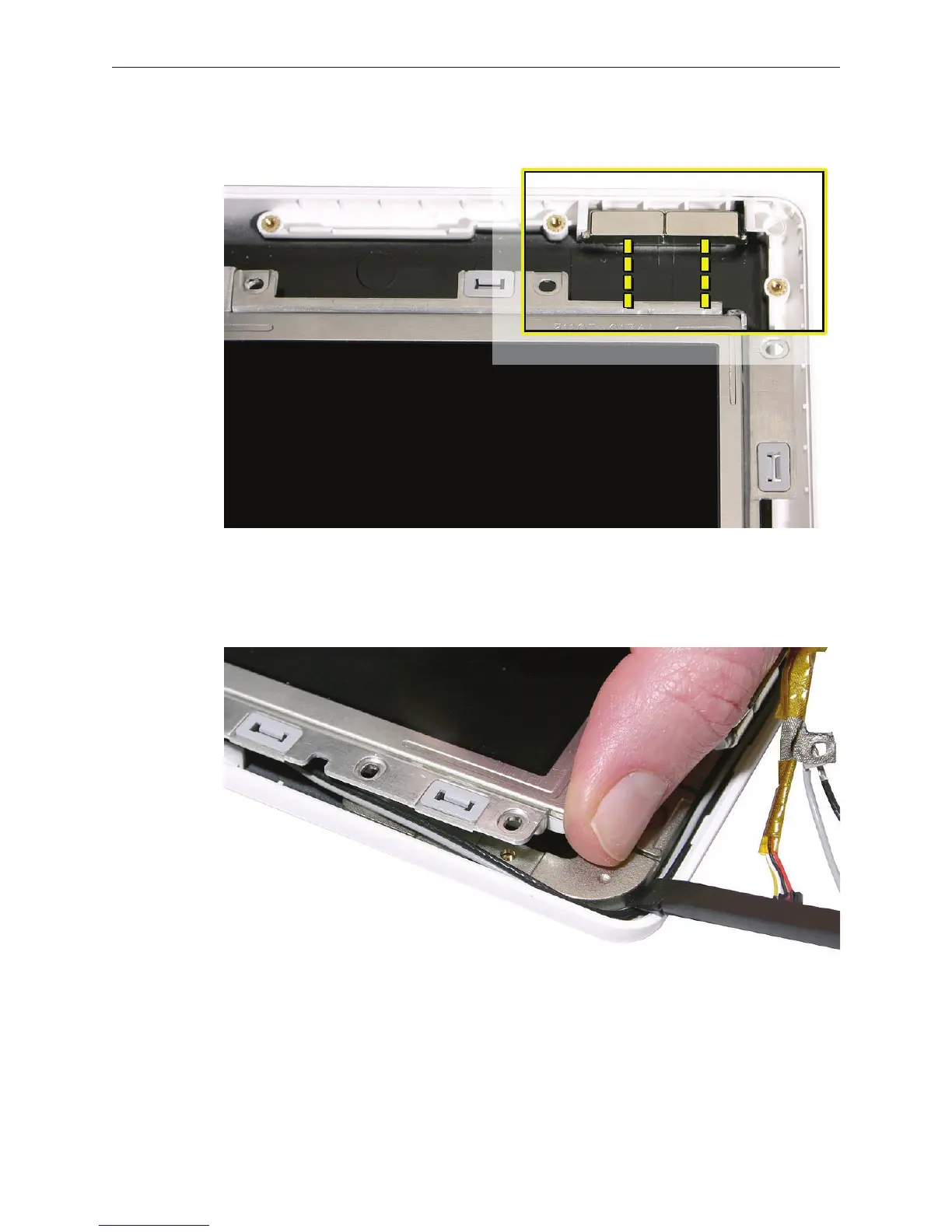
Set the magnets back into place if they come loose during this step.
With the top corners secured, tilt up the bottom corners or the LCD panel assembly to route
the antenna receptor cables and microphone cable around the recessed channel between
the display hinge and the rear housing.
5.
6.


 To Next Page
 Loading...

