MacBook (13-inch) Take Apart — LCD Panel Assembly 235
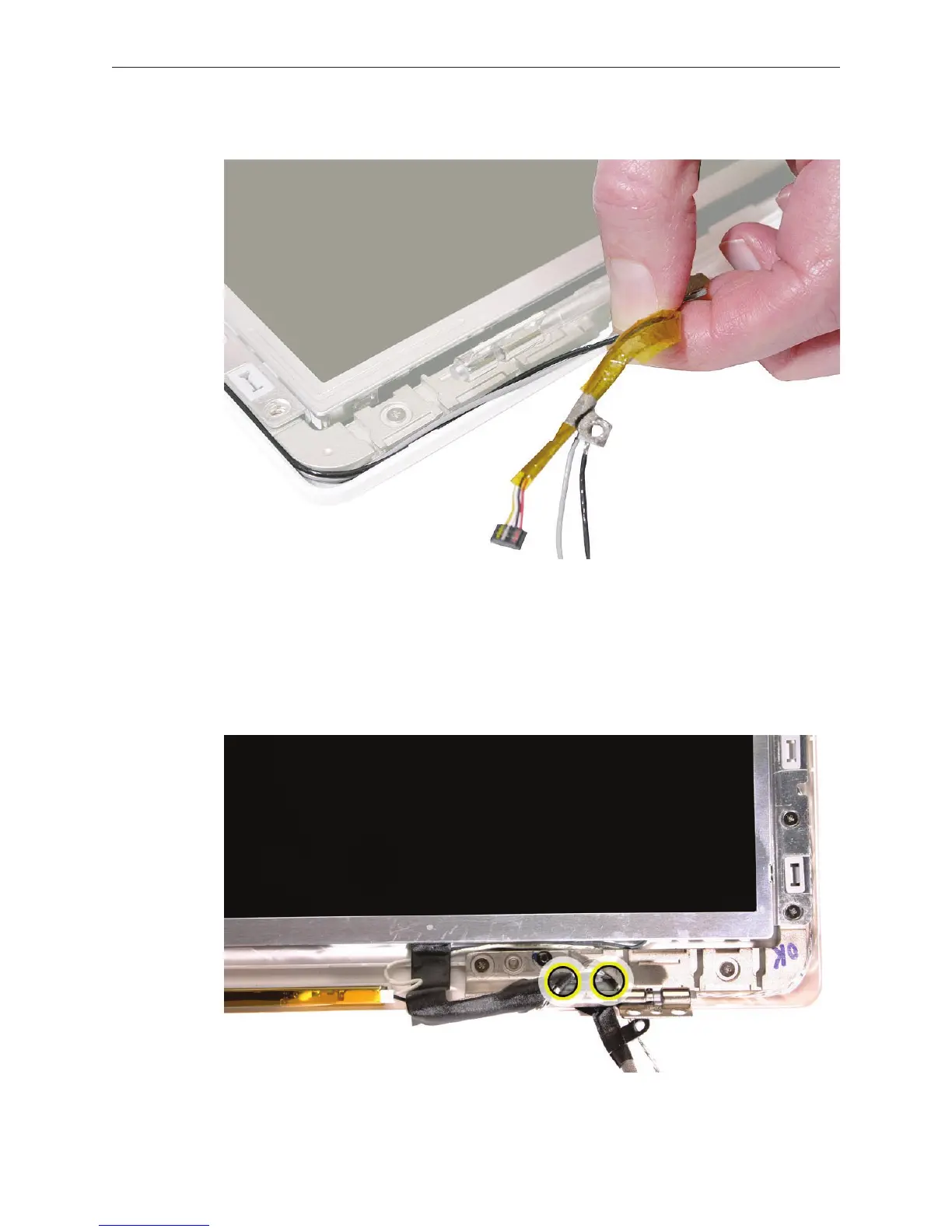
Carefully pull the cables to make sure there is no slack as they route through the channels.
At the lower left corner, make sure the cables are routed as shown:
• Microphone cable routes along the outer edge of the bezel brace
• LCD panel cable tucks under LVDS cable
• LVDS cable routes around clutch barrel and secures microphone cable with two integral
adhesive strips
7.
8.


 To Next Page
 Loading...

