MacBook (13-inch) Take Apart — LVDS Cable with USB Line 252
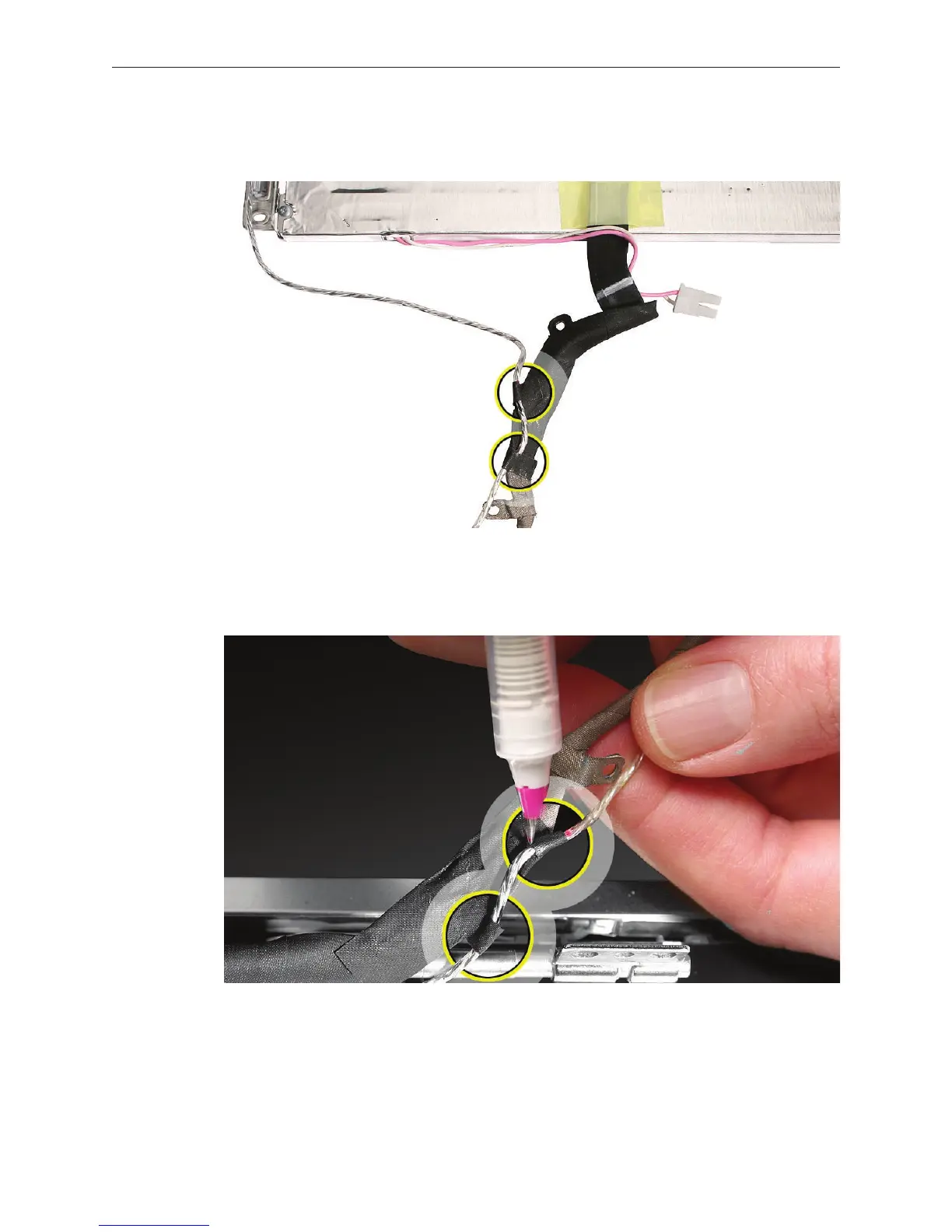
Remove the LVDS cable from the panel, and unwrap the black tape that secures the cable to
the microphone cable.
Replacement Note: Whenever the microphone cable is to be separated from the LVDS cable,
use a permanent marking pen to mark the microphone cable. Marking the cable where the
strips of conductive tape overlap the microphone cable provides a guide for reassembly.
5.


 To Next Page
 Loading...

