MacBook (13-inch) Take Apart — Hard Drive 28
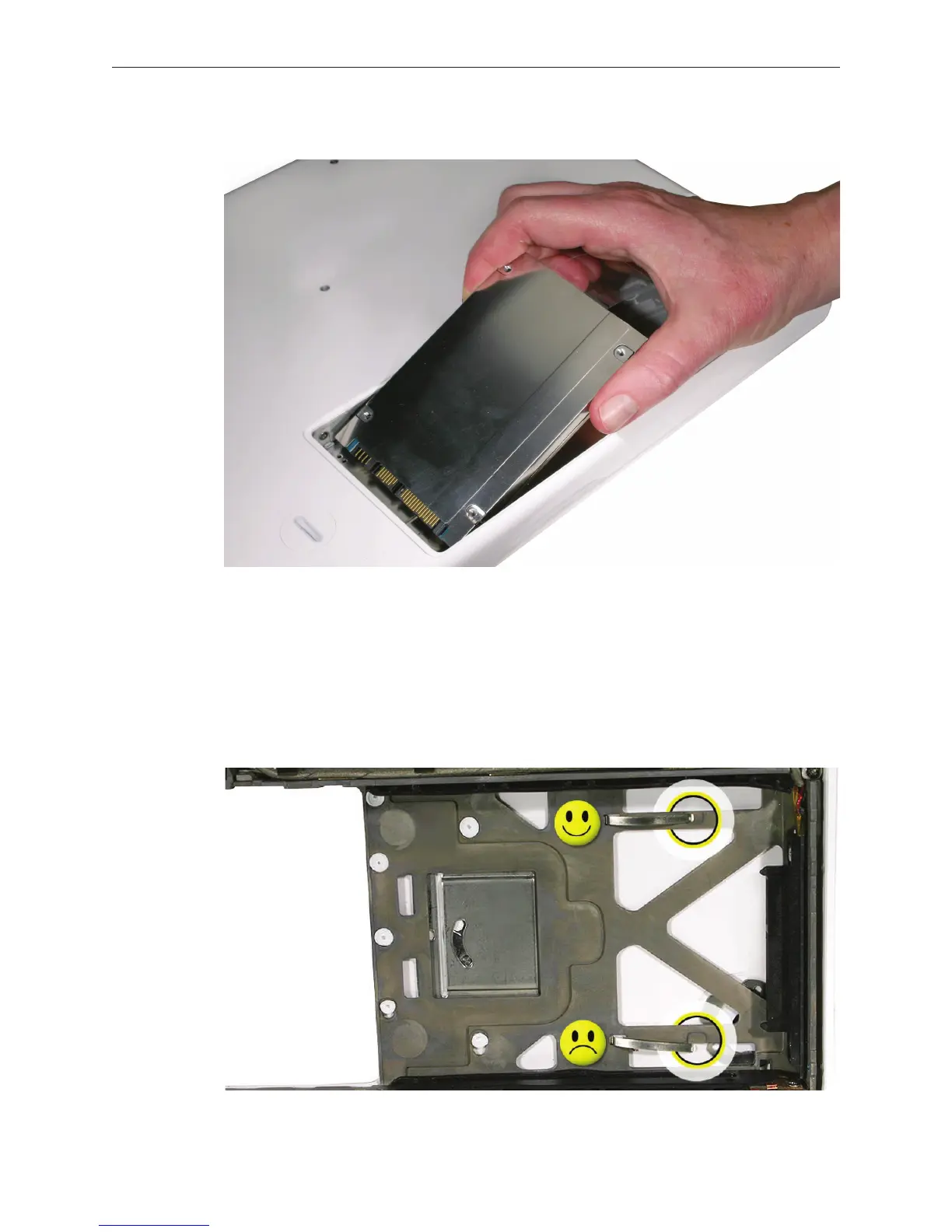
Hold the drive only by the sides when removing and replacing it.
Install the replacement hard drive, and reassemble and test the computer.
Important: After a new hard drive replacement, you must update the operating system to
Mac OS X version 10.4.6 or later.
Replacement Note: If you are installing the hard drive while the top case is o, make sure
the two bottom case spring guides are aligned with the notches in the bottom case. The
image below shows the top spring centered and the bottom spring o center.
3.
4.



 To Next Page