MacBook (13-inch) Take Apart — Top Case 29
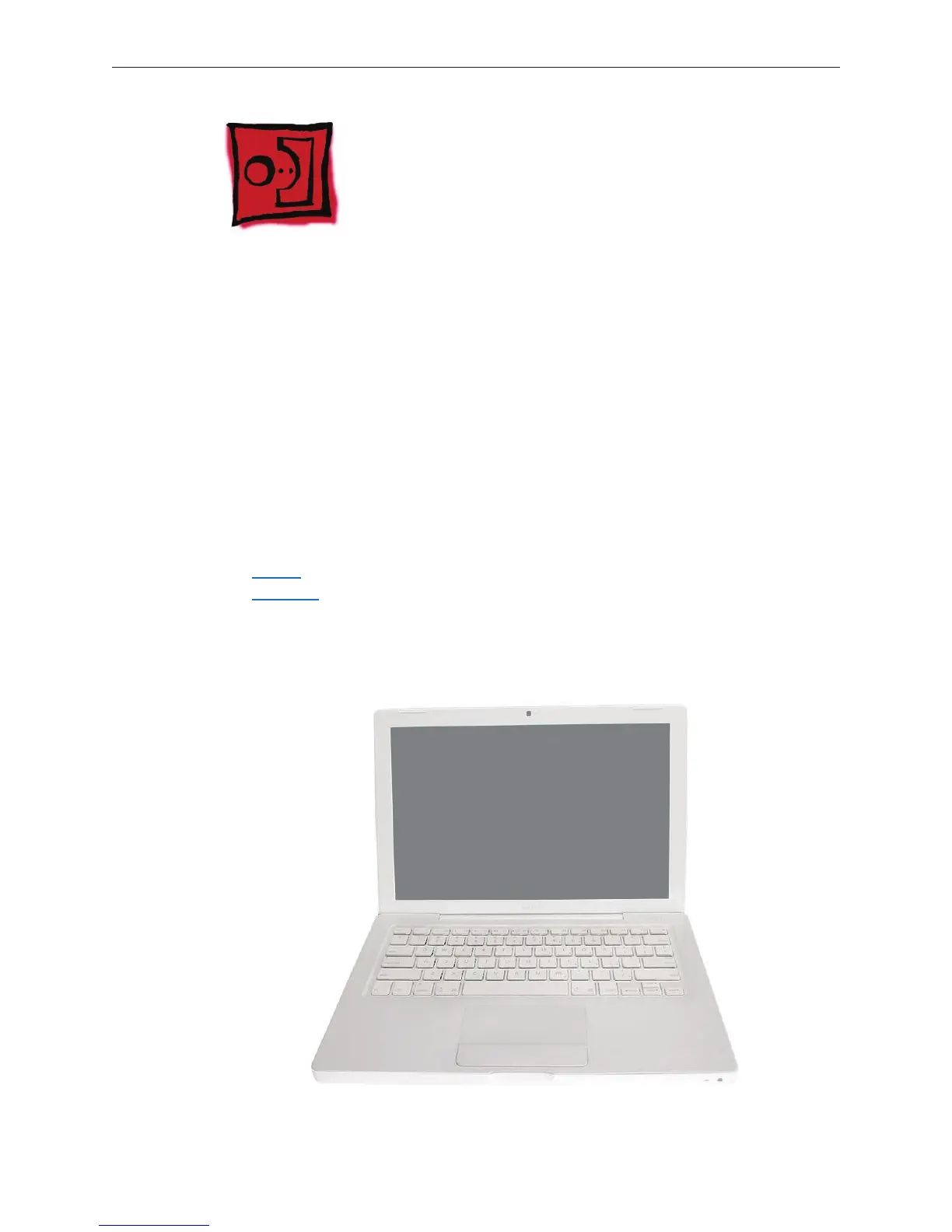
Top Case (with Keyboard)
Tools
ESD wrist strap and mat
Magnetic Phillips #0 screwdriver
Magnetic Phillips #00 screwdriver (preferably with a long handle)
Black stick (Apple part number 922-5065) or other nonconductive nylon or plastic atblade
tool
Access card (Apple part number 922-7172) to open the top case
Clean, soft, lint-free cloth
Preliminary Steps
Before you begin, remove
Battery
RAM door
Part Location
•
•
•
•
•
•
•
•



 To Next Page