MacBook (13-inch) Take Apart — AirPort Extreme Card 48
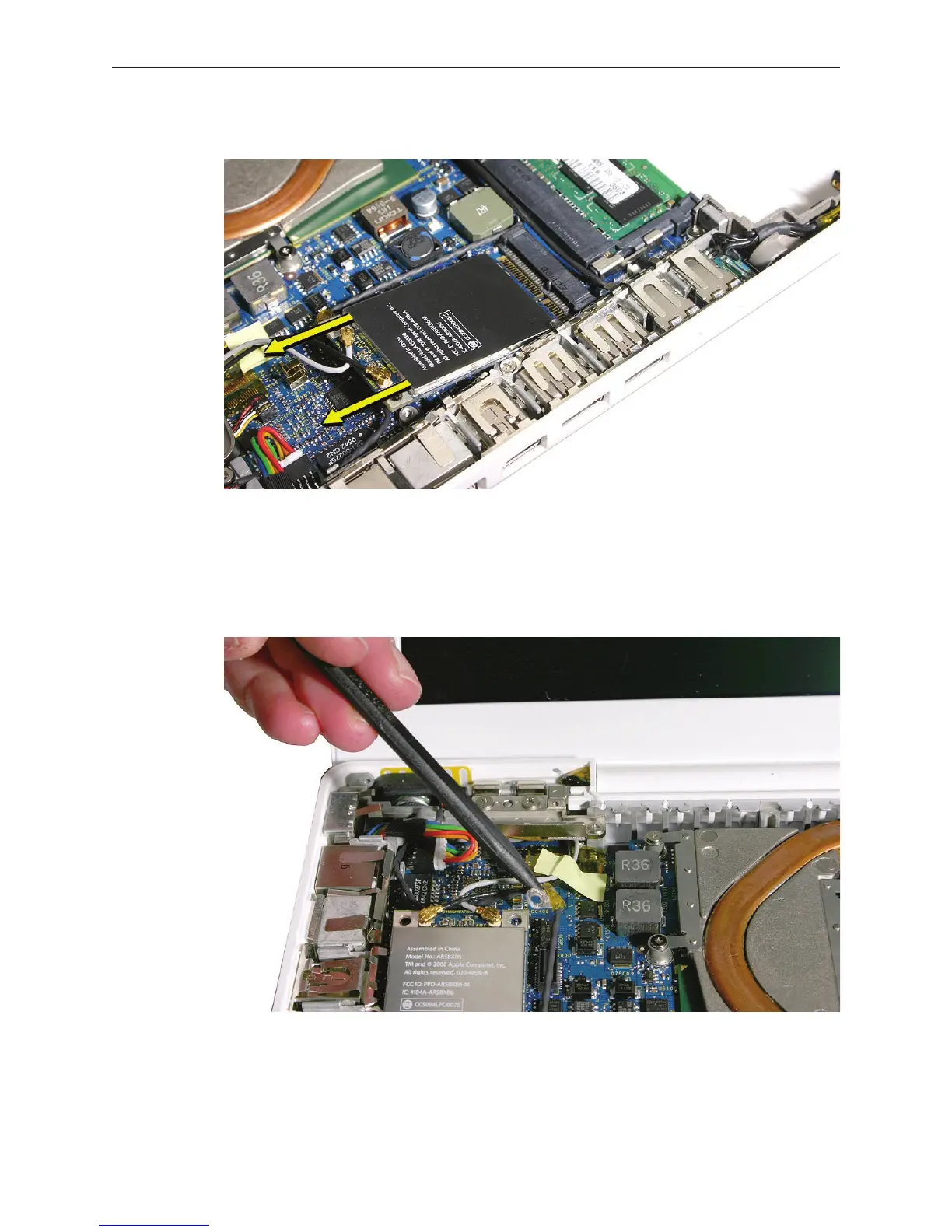
Pull the card up slightly and out of the card socket on the logic board.
Use a black stick to move aside the speaker cable.
Disconnect the two cables from the AirPort Card. Note that the black cable is on the left and
the gray cable is on the right.
Tip: To remember the cable locations, think “Left = bLack; Right = gRay.”
3.
4.
5.



 To Next Page