MacBook (13-inch) Take Apart — MagSafe DC-In Board 54
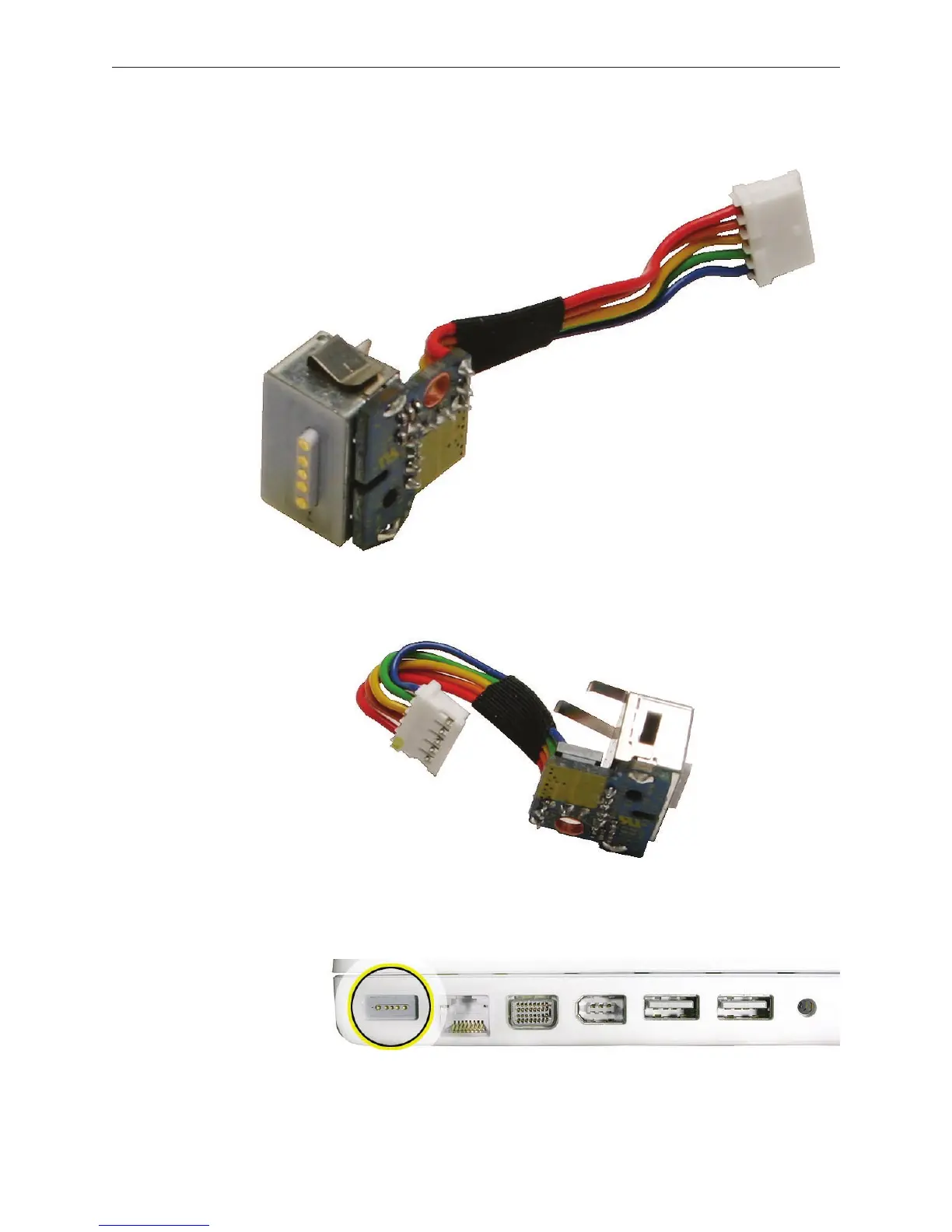
Install the replacement MagSafe DC-in board, and reassemble and test the computer.
Replacement Note: Check that there are no bent EMI ngers on the shield covering the port
area.
Replacement Note: Check the port side of the bottom case to make sure the MagSafe DC-in
port is level with the port opening.
4.



 To Next Page