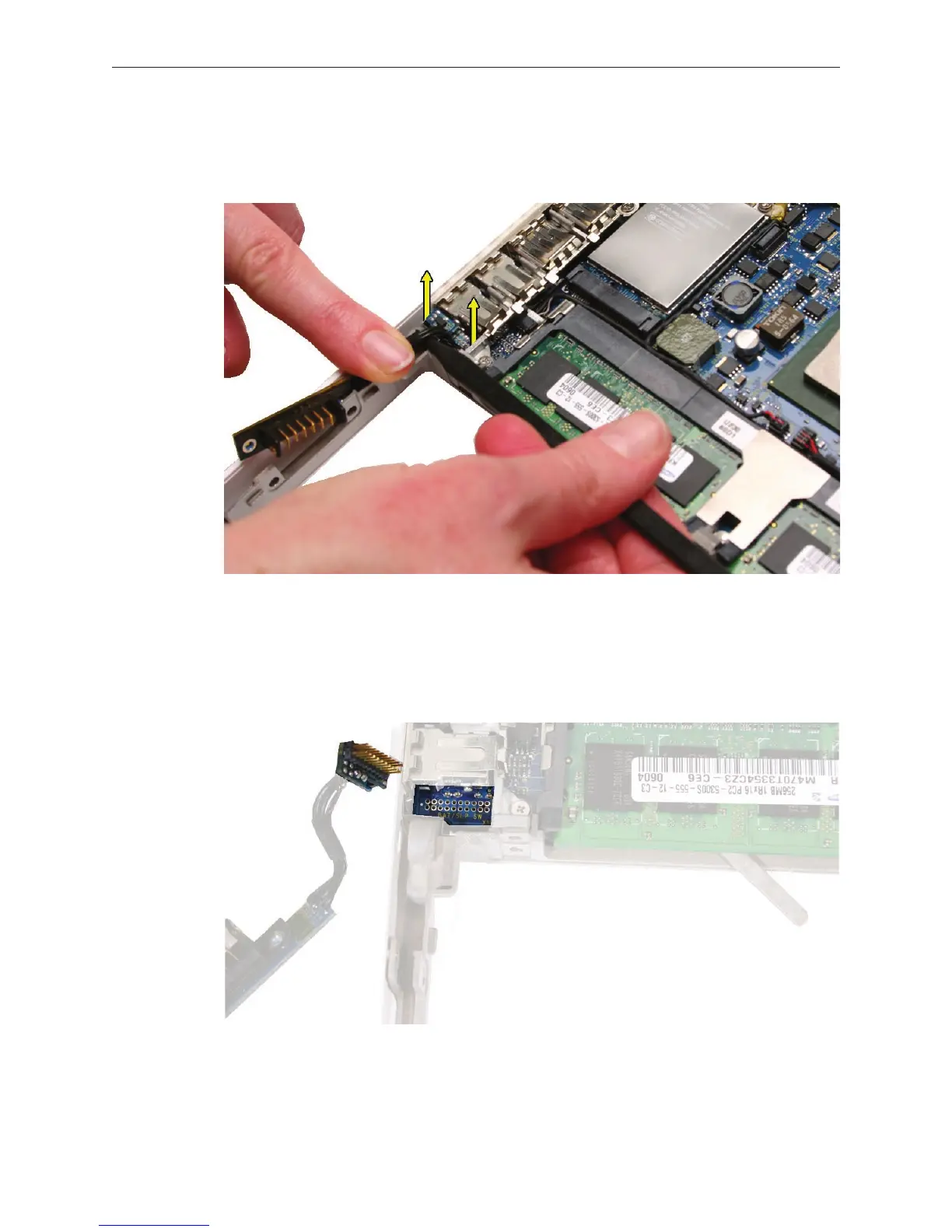
MacBook (13-inch) Take Apart — Battery Connector with Sleep Switch 63
Caution: Do not touch the raised section of the sleep switch connector. It is fragile and could
break. Using a black stick, insert it under the cables, and lift up the connector from the logic
board.
Replacement Note: To avoid bending the pins on the sleep switch connector card, make
sure you squarely align the pins over the logic board and keep the connector card level
when installing it. Install the “pins” end of the sleep switch connector rst; then install the
battery connector and screws.
5.



 To Next Page