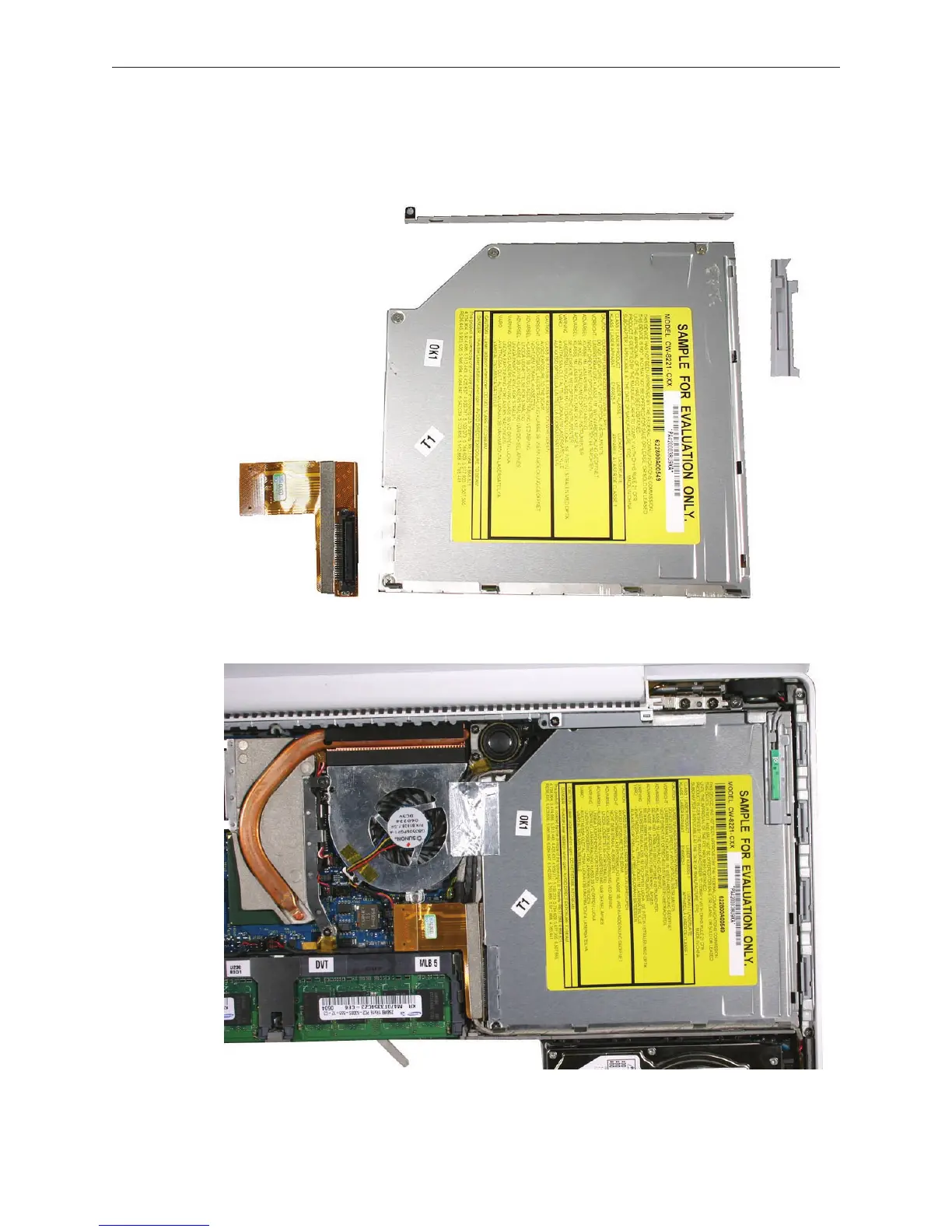
MacBook (13-inch) Take Apart — Optical Drive 96
Replacement Note: If you are installing a replacement drive, check that the sliding bracket
that is secured with two screws slides easily and is not too tight. If it is too tight, loosen the
screws just enough so the bracket slides with ease.
Note: For correct cable routing, refer to the image below:



 To Next Page