Chapter 2 Life with Your MacBook Pro 29
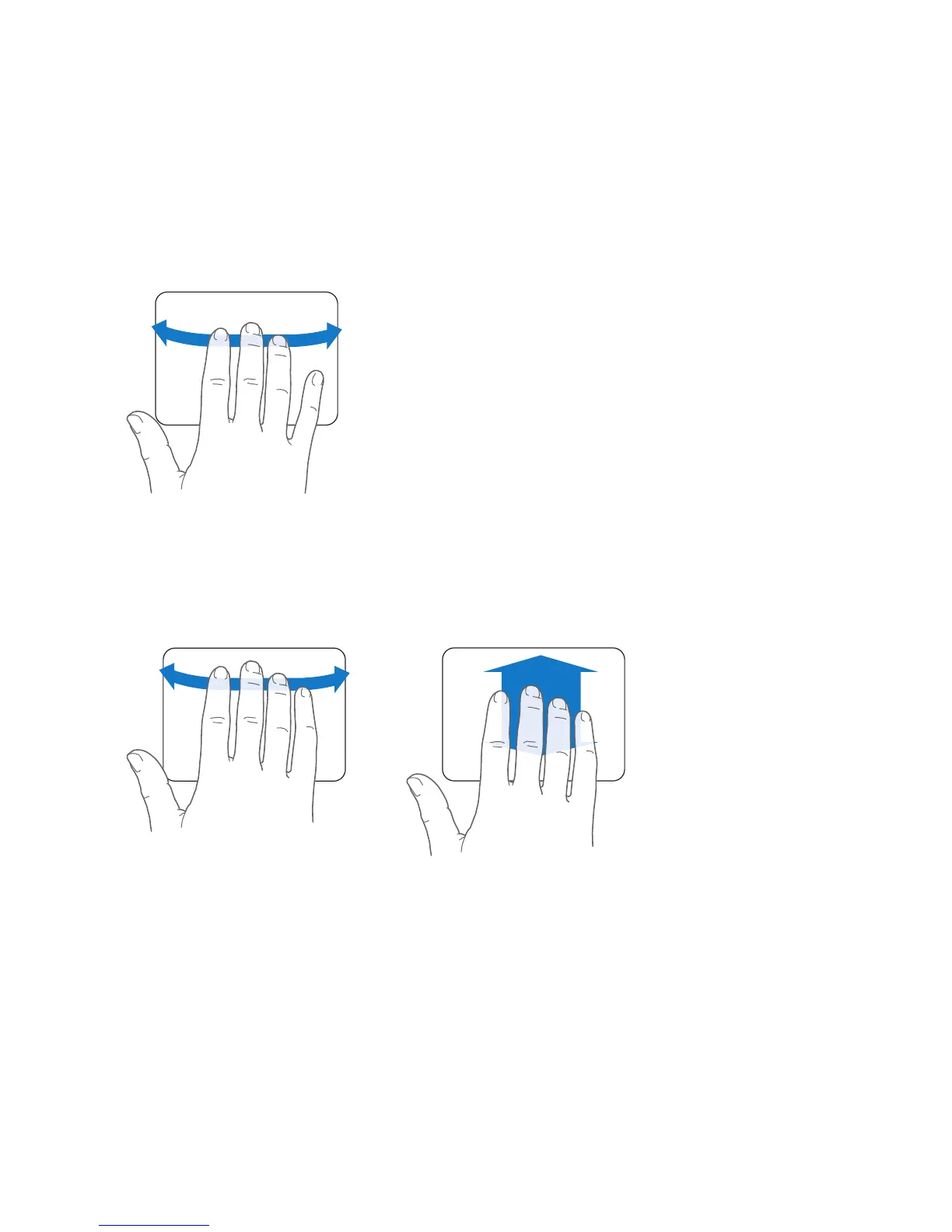
 Three-finger swiping lets you rapidly page through documents, move to the previous
or next photo, and more.
 Four-finger swiping works in the Finder and all applications. Swiping four fingers
to the left or right activates Application Switcher so you can cycle through open
applications. Swiping four fingers up or down causes Exposé to show the desktop
or display all open windows.
To enable or disable any of the gestures, choose Apple () > System Preferences, and
then click Trackpad. Click the checkboxes to turn the gestures on or off.



 To Next Page