28 Chapter 2 Life with Your MacBook Pro
The following trackpad gestures work in certain applications. When you perform these
gestures, slide your fingers lightly on the surface of the trackpad. For more information,
see Trackpad preferences or choose Help > Mac Help and search for “trackpad.”
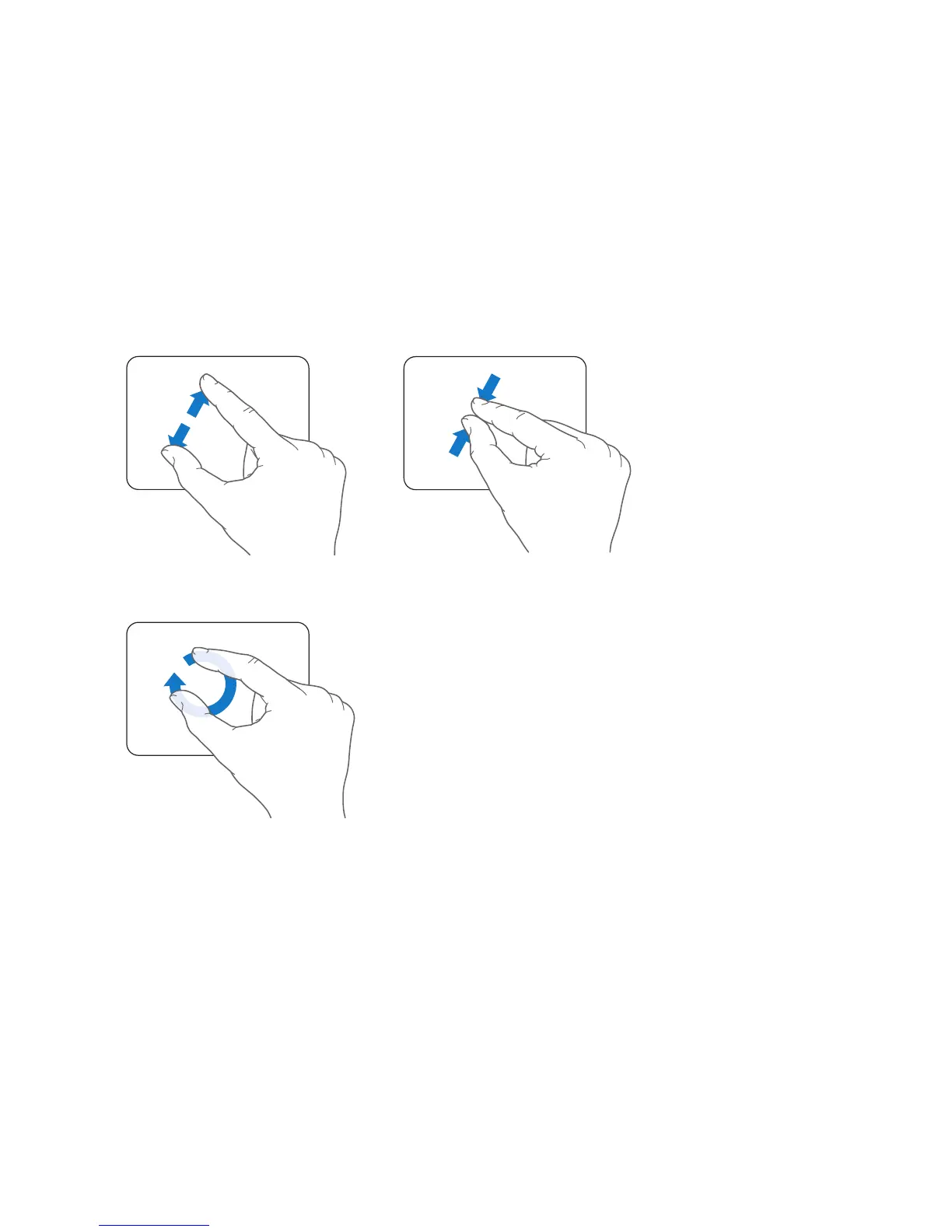
 Two-finger pinching lets you zoom in or out on PDFs, images, photos, and more.
 Two-finger rotating lets you rotate photos, pages, and more.



 To Next Page