Chapter 3 Basics 23
Adjust the screen brightness
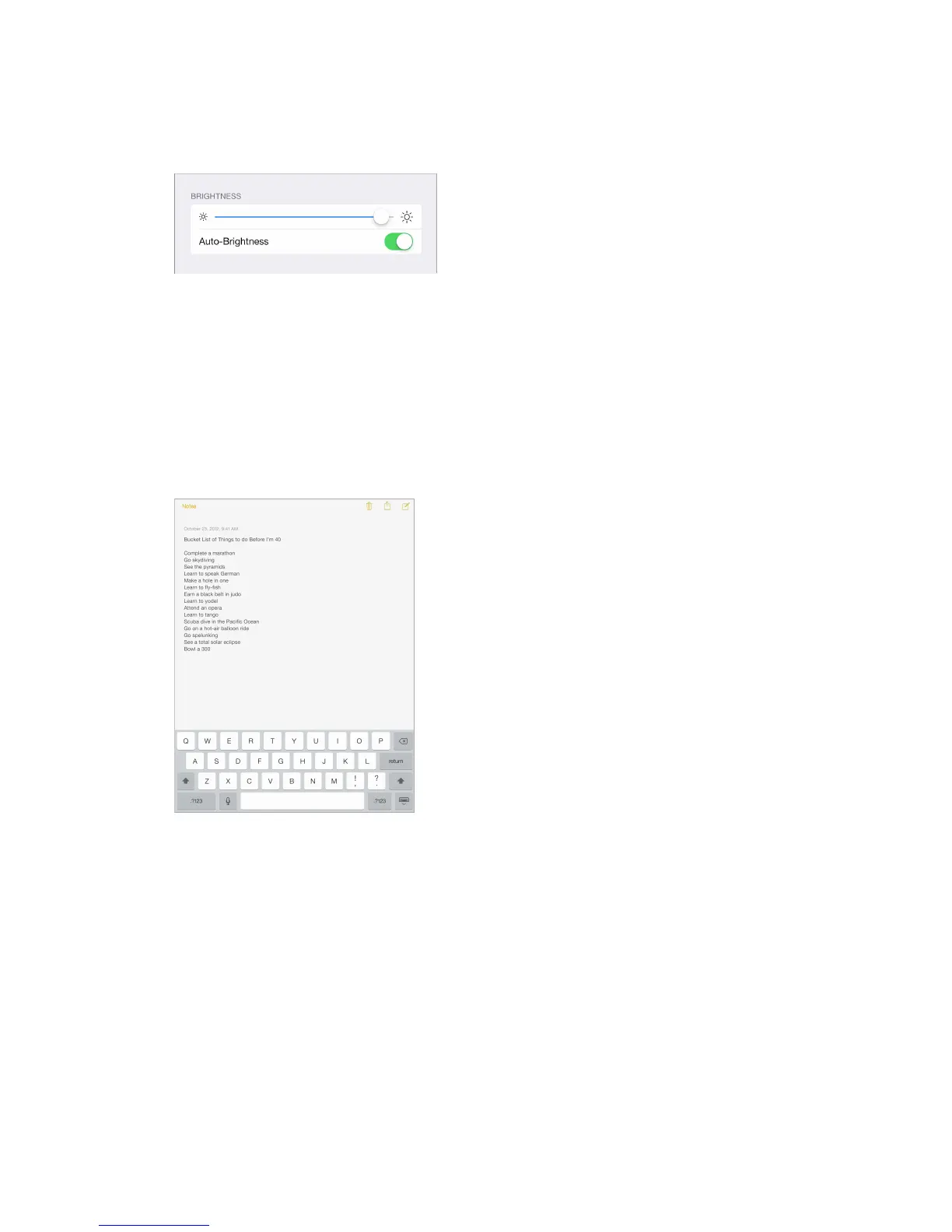
Adjust the screen brightness. Go to Settings > Wallpapers & Brightness and drag the slider. If
Auto-Brightness is on, iPad adjusts the screen brightness for current light conditions using the
built-in ambient light sensor.
You can also adjust the screen brightness in Control Center.
Type text
The onscreen keyboard lets you enter text when needed.
Enter text
Tap a text eld to see the onscreen keyboard, then tap letters to type. If you touch the wrong
key, you can slide your nger to the correct key. The letter isn’t entered until you release your
nger from the key.
You can also use an Apple Wireless Keyboard to type. See Use an Apple Wireless Keyboard on
page 25. To use dictation instead of typing, see Dictation on page 26.



 To Next Page