Chapter 14 Clock 75
Alarms and timers
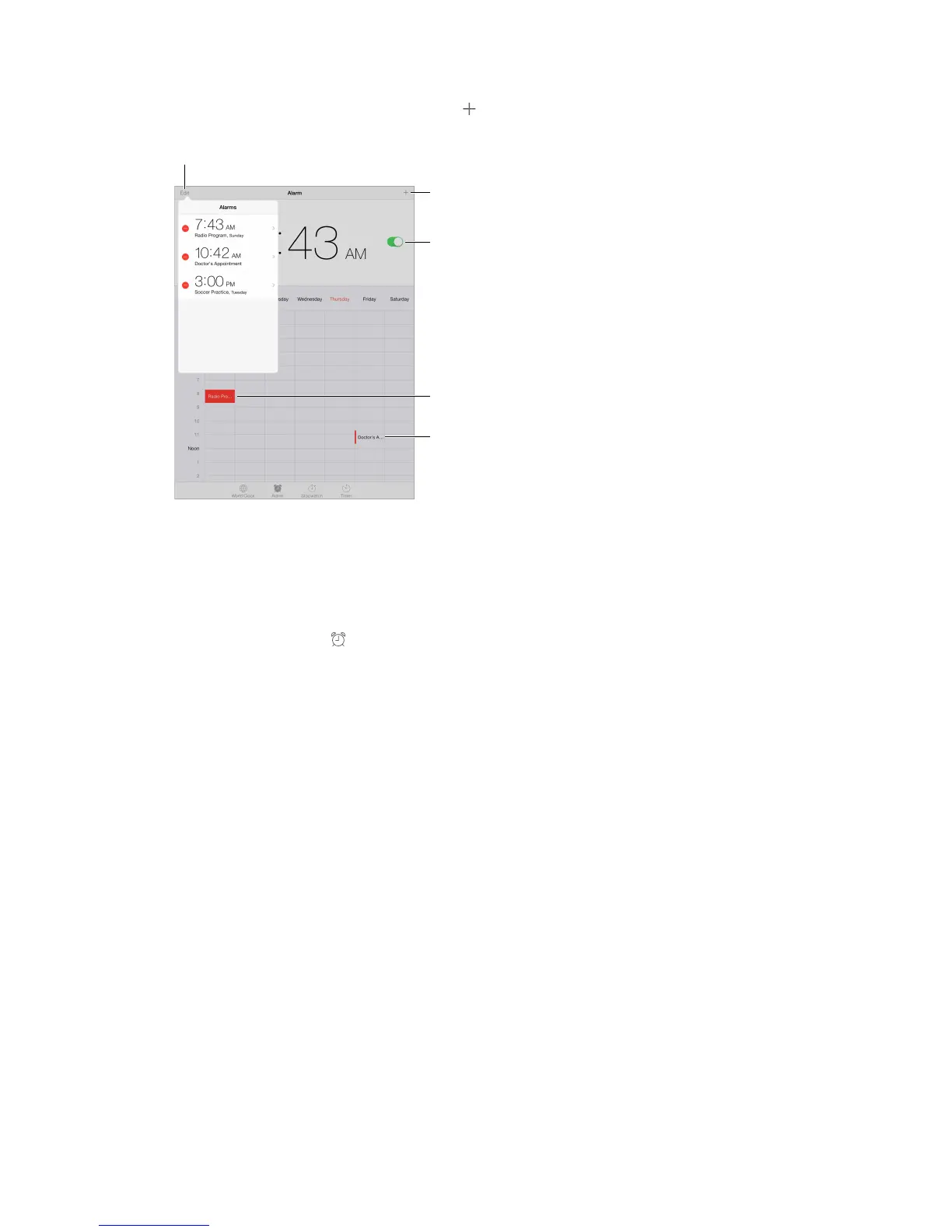
Want iPad to wake you? Tap Alarm, then tap . Set your wake-up time and other options, then
give the alarm a name (like “Soccer practice”).
Keep track of time. Use the stopwatch to keep time, record lap times, or set a timer to alert you
when time’s up. If you’re boiling an egg, just tell Siri to “Set the timer for 3 minutes.”
Want to fall asleep to music or a podcast? Tap Timer, then tap When Timer Ends and choose
Stop Playing at the bottom.
Get quick access to clock features. Swipe up from the bottom edge of the screen to open
Control Center, then tap . You can access alarms in Control Center even when iPad is locked.



 To Next Page