15
76
Maps
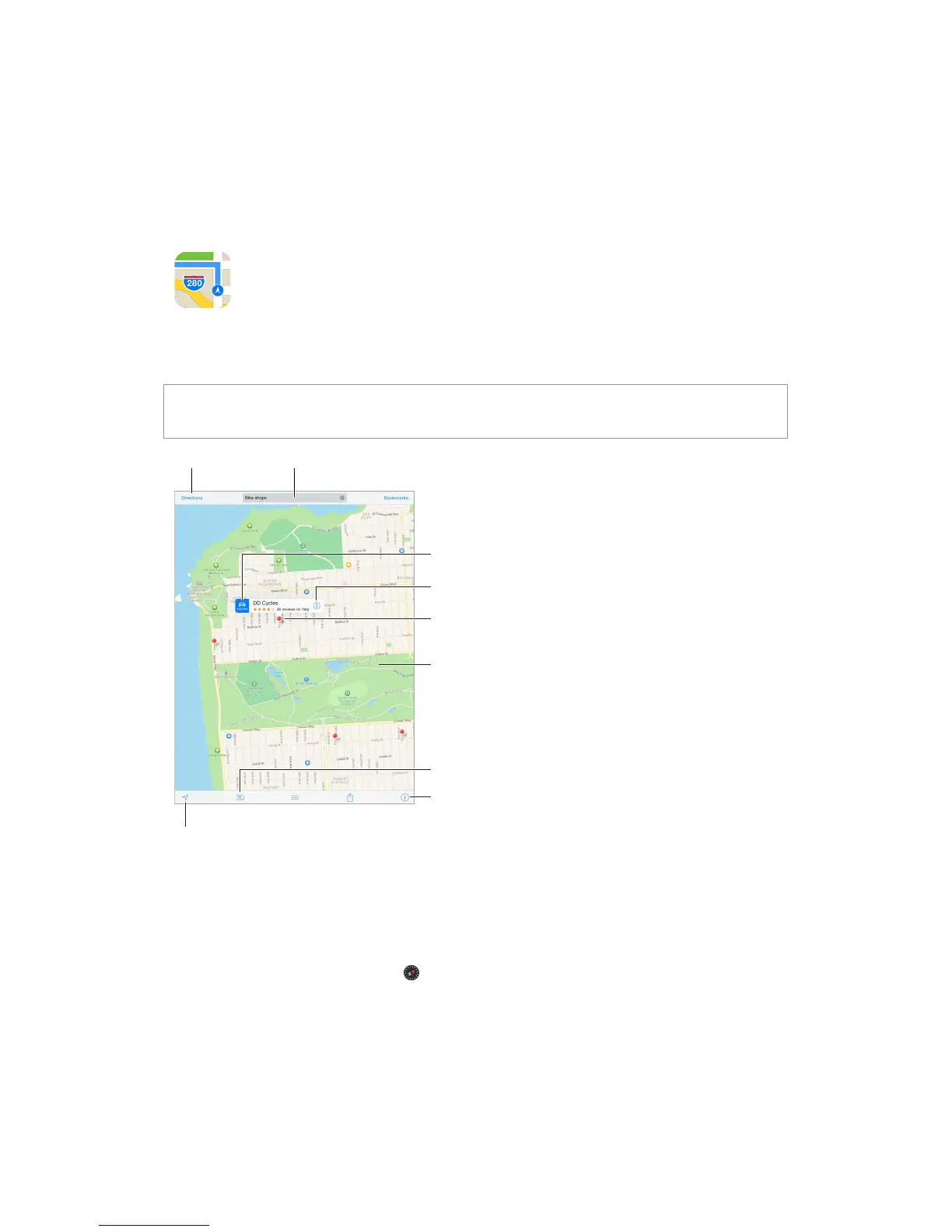
Find places
WARNING: For important information about navigating safely and avoiding distraction while
driving, see Important safety information on page 123.
Print, show traffic, list
results, or choose the view.
Print, show traffic, list
results, or choose the view.
Flyover (3D in standard view)
Important: Maps, directions, Flyover, and location-based apps depend on data services. These
data services are subject to change and may not be available in all areas, resulting in maps,
directions, Flyover, or location-based information that may be unavailable, inaccurate, or
incomplete. Some Maps features require Location Services. See Privacy on page 33.
Move around Maps by dragging the screen. To face a dierent direction, rotate with two ngers.
To return to north, tap the compass in the upper right.
Zoom in or out. Double-tap with one nger to zoom in and tap with two ngers to zoom out—
or just pinch and stretch. The scale appears in the upper-left while zooming. To change how
distance is shown (miles or kilometers), go to Settings > Maps.



 To Next Page