4
English
Step 3: Pairing Your Mouse
Before you can use your wireless Mighty Mouse, you have to pair it with your Mac.
Pairing allows your mouse and Mac to communicate wirelessly with each other. You
only have to pair them once.
The first time you start up your Mac, Setup Assistant guides you in setting up your
wireless Mighty Mouse and pairing it with your Mac.
To pair your mouse and your Mac:
1
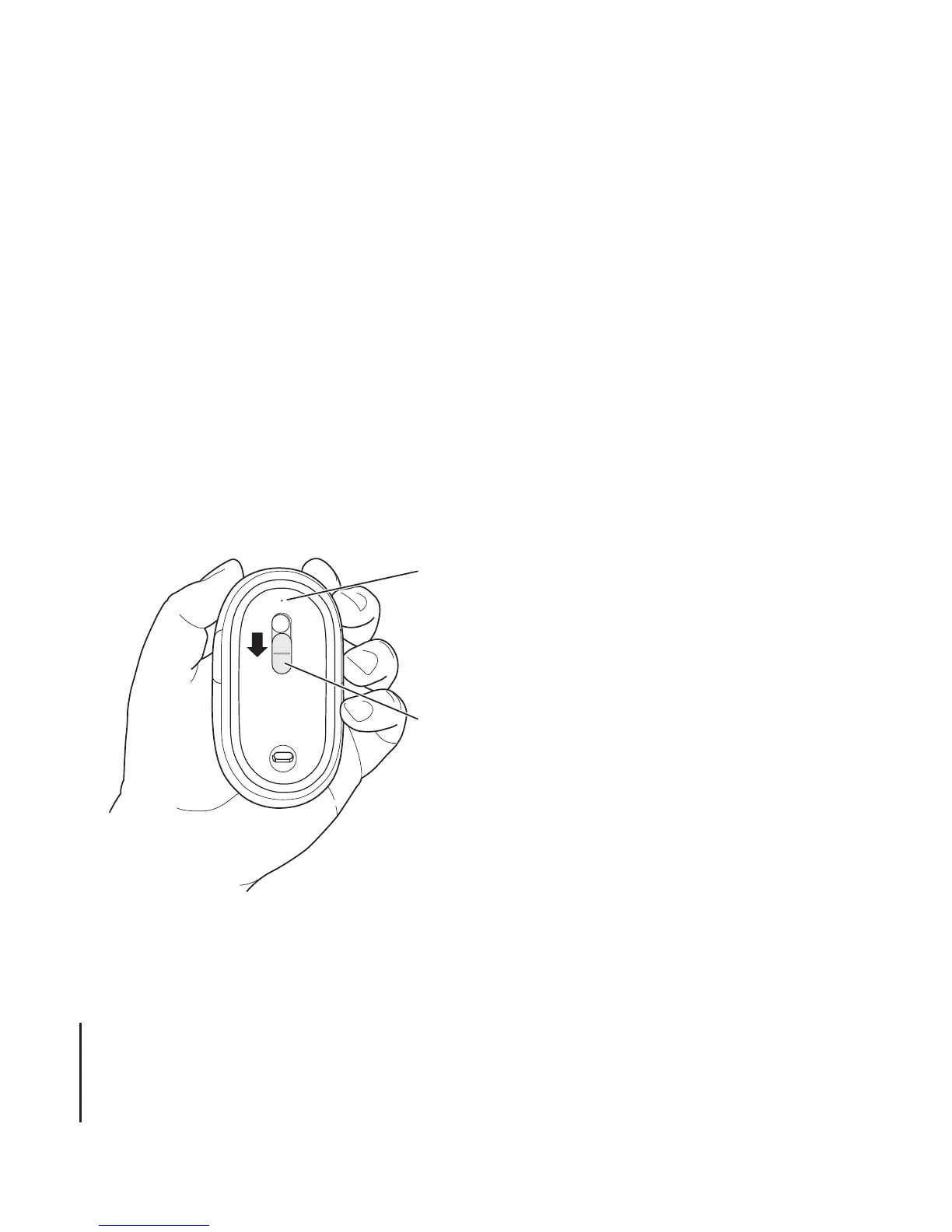
Slide the switch down to turn the mouse on.
The laser used by the Mighty Mouse is not visible, but a small green indicator light on
the bottom of the mouse blinks when the mouse is on and the batteries are charged.
2
Turn on your Mac.
3
When your Mac starts up, follow the onscreen instructions in Setup Assistant.
Slide the switch down to
turn the mouse on.
The indicator light shows
that the mouse is on.



 To Next Page