LCD PanelTake Apart
PowerBook (FireWire)
54
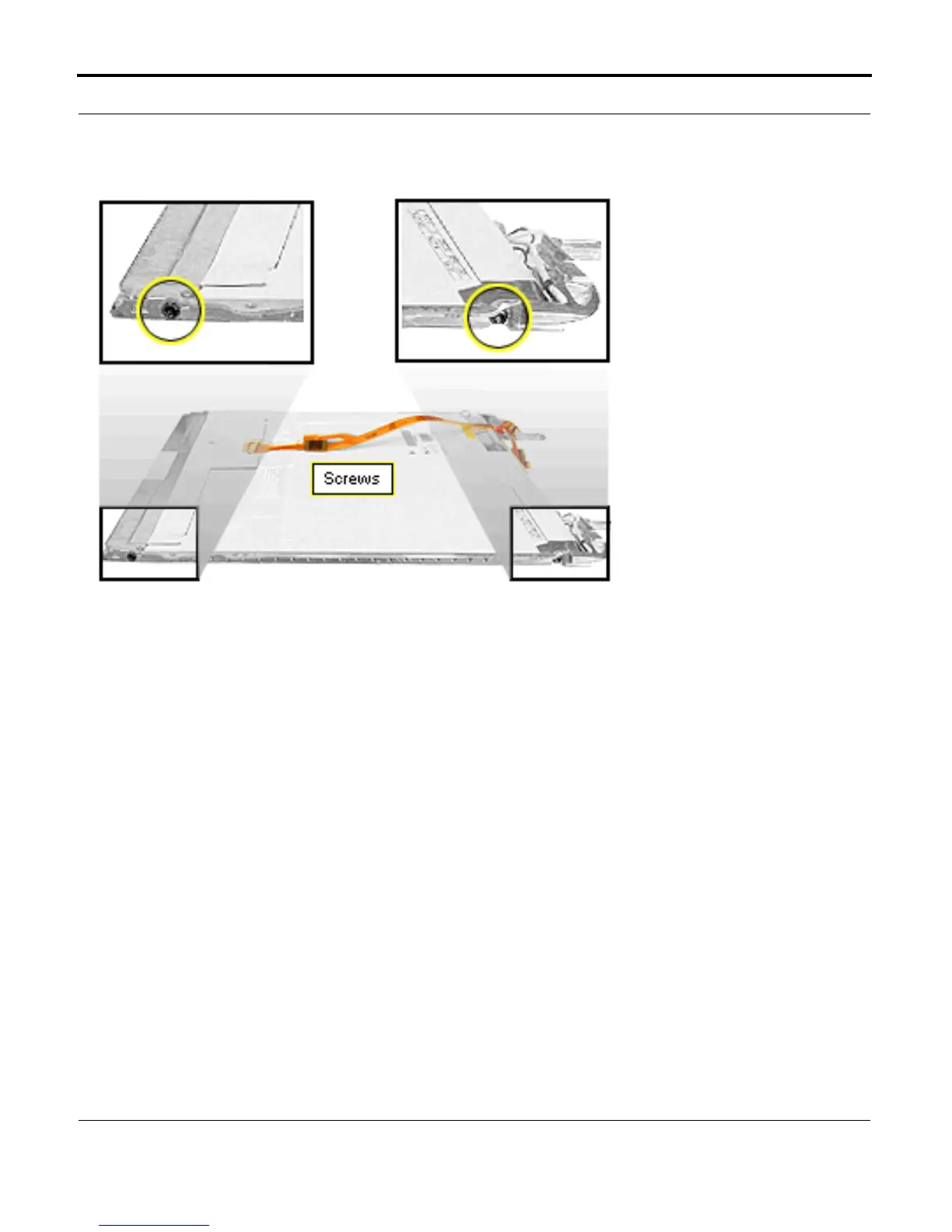
4. Remove the two black
T-8 screws on the
sides of the display
brackets (two on the
left bracket and two on
the right bracket).
Replacement Notes: Lay
the two wires of the
backlight cable on the back
side of the clutch. Place the
antenna cable on the side of
the clutch closest to you
with the ridge between the
backlight cable wires and
the antenna cable. The
backlight wires should
extend 8.0 mm past the end
of the clutch.
Slide the clip over the end
of the clutch to hold the
wires in place.



 To Next Page