Miscellaneous
PowerBook (FireWire)
26
Troubleshooting
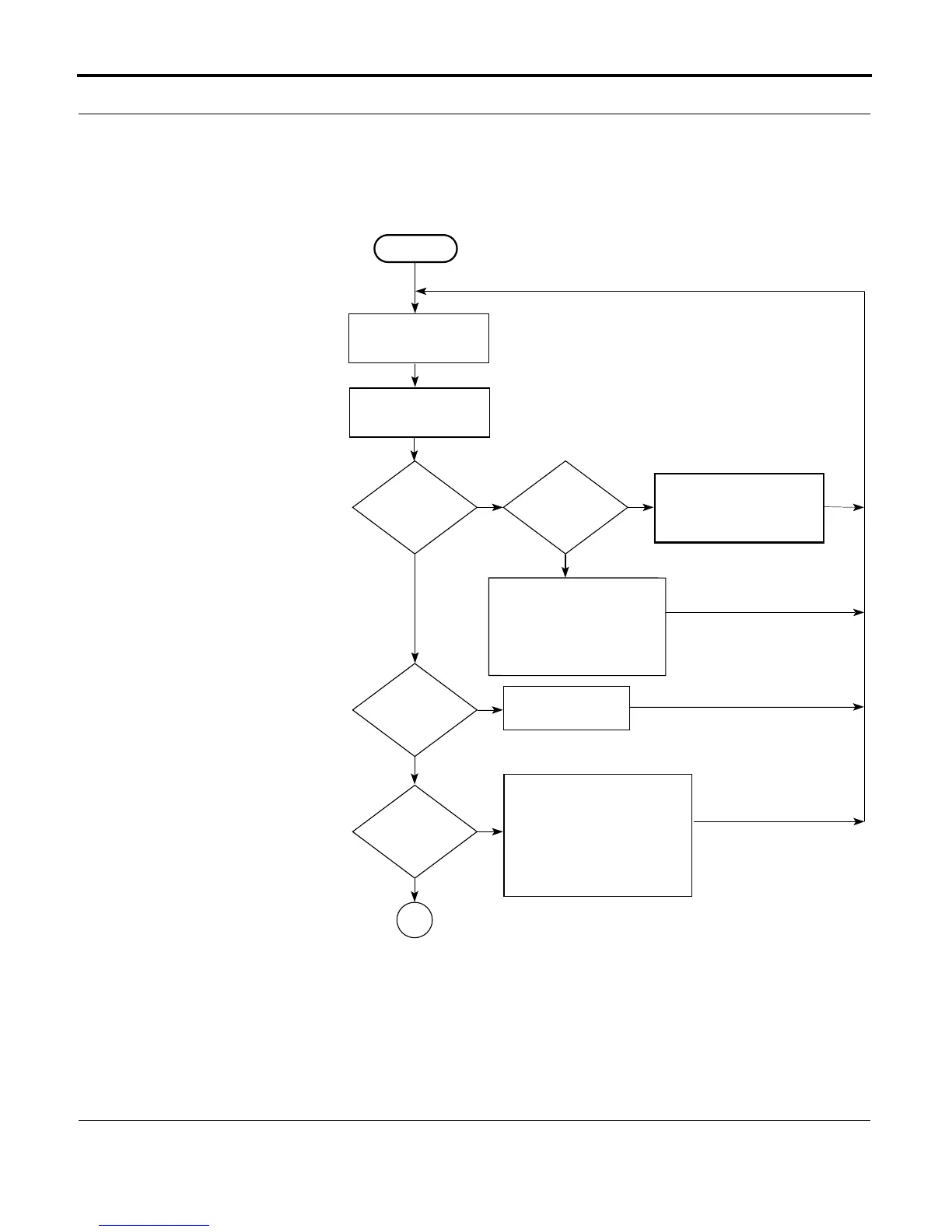
Startup Problems Flowchart
START
Reset the
power manager.
Press power button to
begin boot sequence.
Do you
hear the
startup
tones?
No
Yes
Are the
startup tones
normal?
Yes
Does any
video
appear?
No
Yes
See Startup in the
Symptom Charts.
No
1. Check display/inverter cable
connections.
2. Replace the display and
backlight cables.
3. Replace the inverter.
4. Replace the display.
5. Replace the I/O logic board.
1. Check the volume.
2. Check the keyboard and
display cables.
3. Replace the sound card.
4. Replace the speaker.
5. Replace the I/O logic board.
Does a
gray screen
appear with
pointer?
Yes
No
1
1. Check the display cables.
2. Replace the power supply
card.
3. Replace the sound card.



 To Next Page