Wireless AntennaTake Apart
PowerBook (FireWire)
49
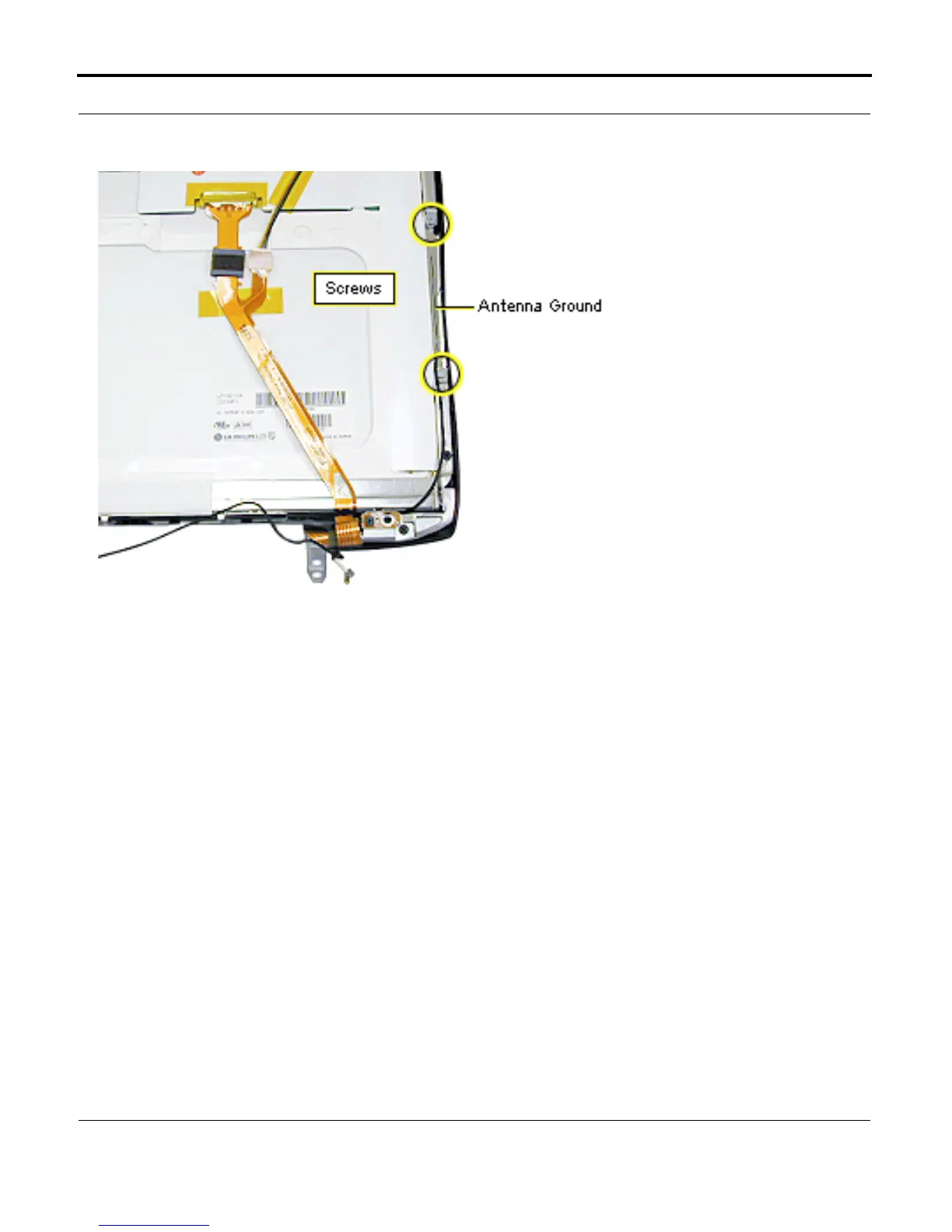
5. Remove the two silver
Phillips screws from
the antenna ground on
the right side of the
display panel.
6. Deroute the antenna
cable along the right
side of the display
panel and lift the
wireless antenna
assembly off the
display.
Replacement Note: Route
the antenna cable under the
guides along the bottom
edge of the display panel
bracket.
Use a nylon tool to tuck the
cable into the slot on the
right side. The cable will
sit on top of the panel as it
crosses the corners of the
LCD panel.



 To Next Page