To access a user’s guide
1 If necessary, copy the User’s Guides folder to your hard disk.
2 Double-click a user’s guide icon to open it.
The Acrobat Reader program opens and displays the user’s
guide cover page.
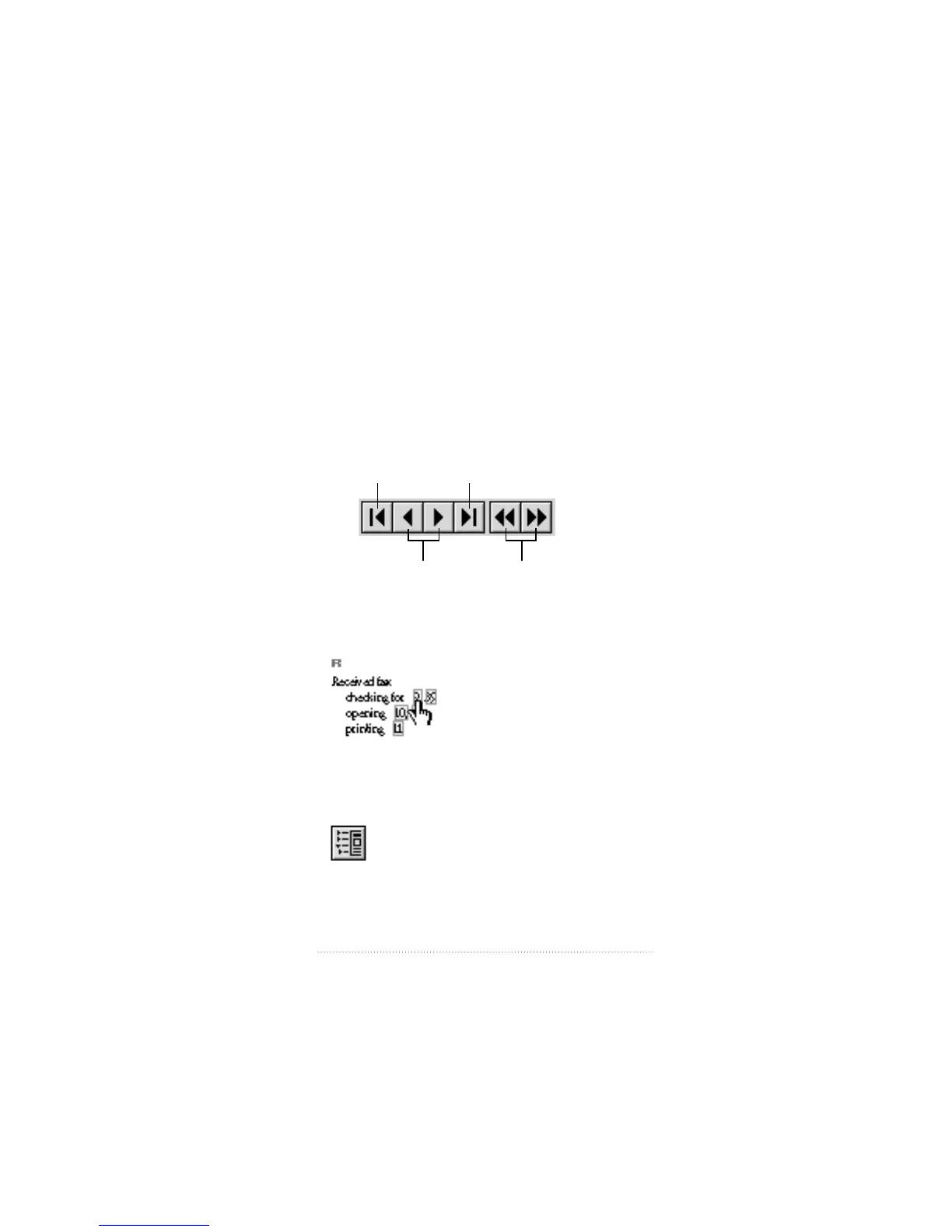
3 Use the Toolbar to browse through the document.
m Use the browse buttons to page through the document.
m Click on a title in the Table of Contents to move to that
section, or a page number in the index to move to that page.
m Use the Bookmarks and Page icon to display the list of
contents in outline form, then click on a title to move to
that section.
15
Installing Your Software
First page
of document Last page of document
Backward/forward
one page at a time
Display previous/
redisplay current
page view


 To Next Page
 Loading...