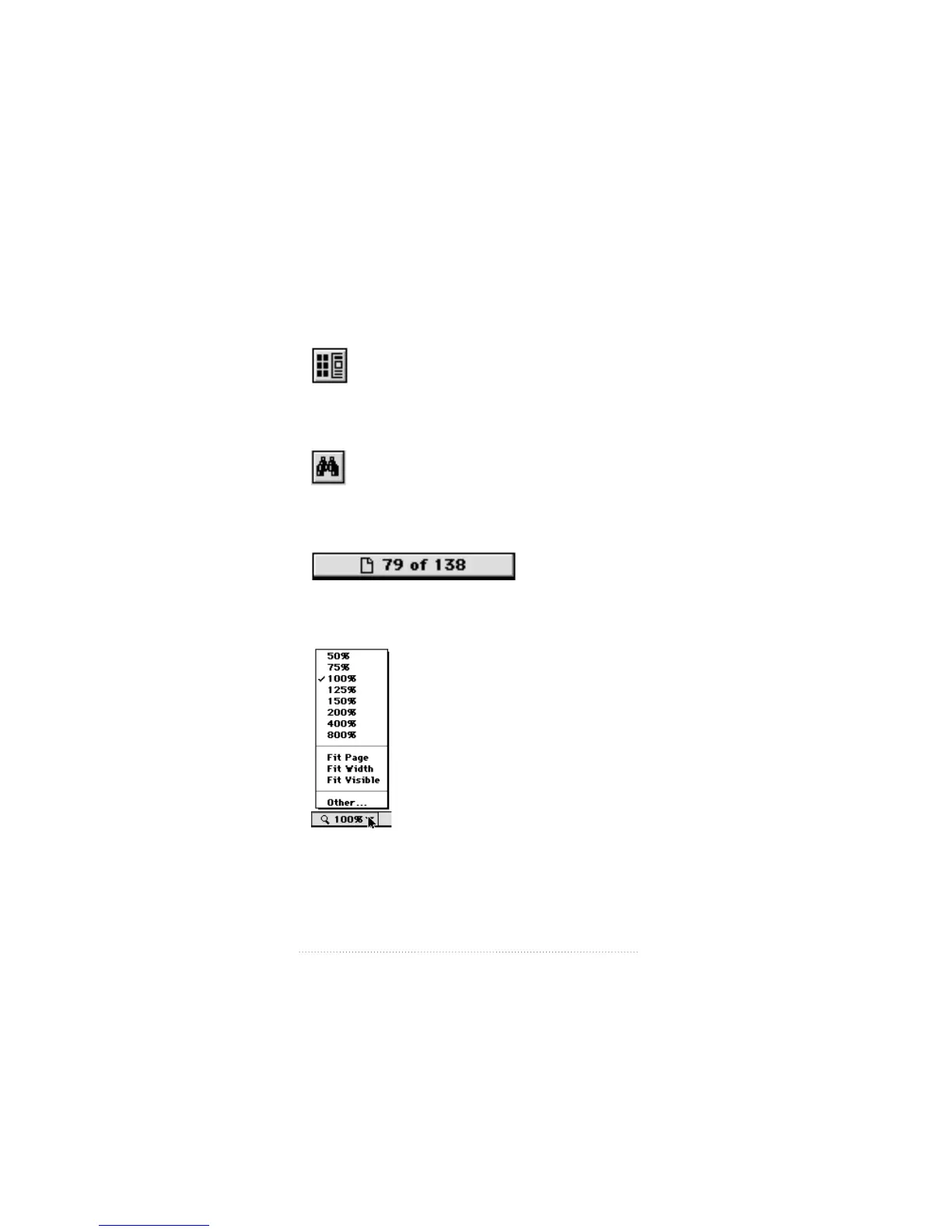
m Use the Thumbnails and Page icon to display a miniature
representation of each page of the document, then click on
a page to move to it.
m Use the Find icon to search for a word or phrase in the
document.
m Use the Page Number box at the bottom of the window to go
to a specific page.
m Use the Magnification box at the bottom of the window to
resize the display.
See also: Acrobat Reader Online Guide available from the
Guide menu or from the Acrobat Help folder on your hard
disk for more information about using Adobe Acrobat Reader.
16
Chapter 2



 To Next Page