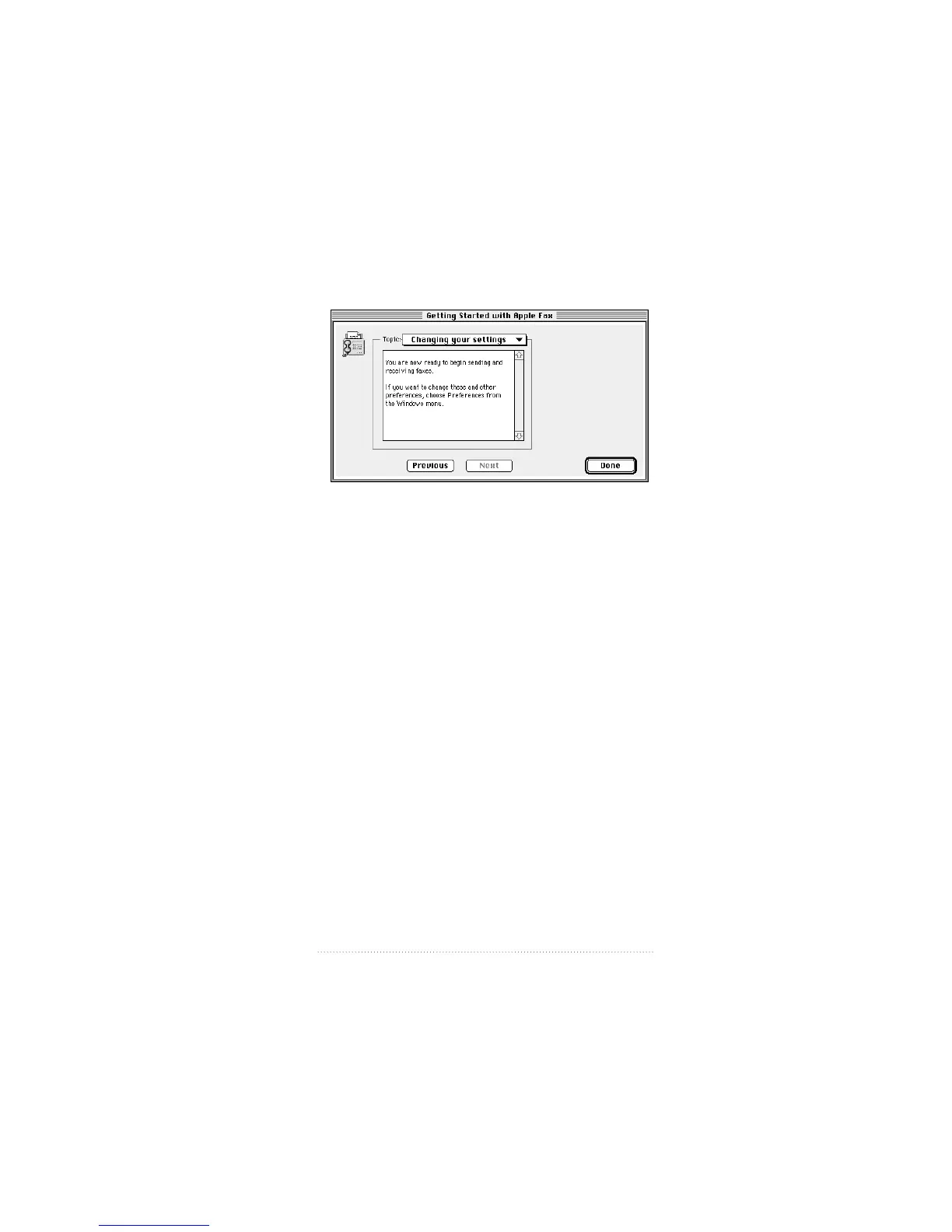
The Changing your settings panel appears.
The descriptive text explains how to change these and other
settings in Apple Fax preferences.
See: Apple Fax User’s Guide for information about using the
Apple Fax preferences.
5 Click Done to confirm your settings and close the setup
window.
Important If you are using a PC Card modem, you need to
choose the correct port setting from the Apple Serial Modem
control panel before you can begin sending or receiving
faxes.
See: Chapter 5, “Using Your Modem” for information about
choosing settings in the Apple Serial Modem control panel.
23
Setting Up the Apple Telecom Software



 To Next Page