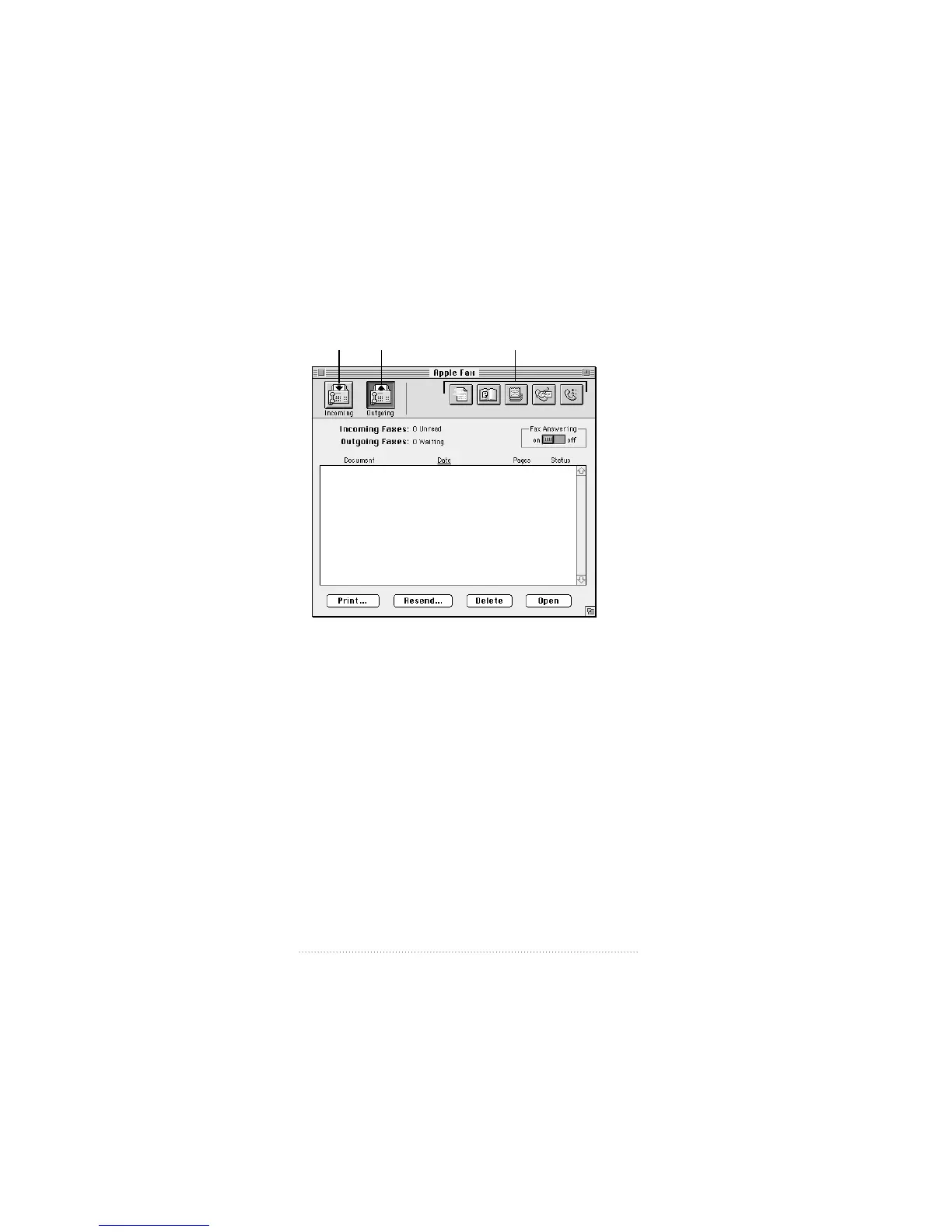
After you start and configure Apple Fax the first time, the
Apple Fax main window appears in Outgoing view.
The Apple Fax main window has two distinct views—
Outgoing view and Incoming view. Outgoing view displays
all of your sent faxes and Incoming view your received faxes.
You choose the view you want by clicking on either the
Outgoing or Incoming icon in the upper left of the
main window.
24
Chapter 3
Incoming
view
Outgoing
view
Access other program
features with these buttons.



 To Next Page