Faxing a document
With Apple Fax you can open a document and send it
immediately as a fax, even when the Apple Fax program itself
is not open. You can send documents as faxes from any
program that prints, such as a word processor, spreadsheet,
or graphics program.
To send a fax from an open document
1 Make sure that the document you want to send as a fax is
open and active.
2 Hold down the Control and Shift keys while choosing Print
from the File menu.
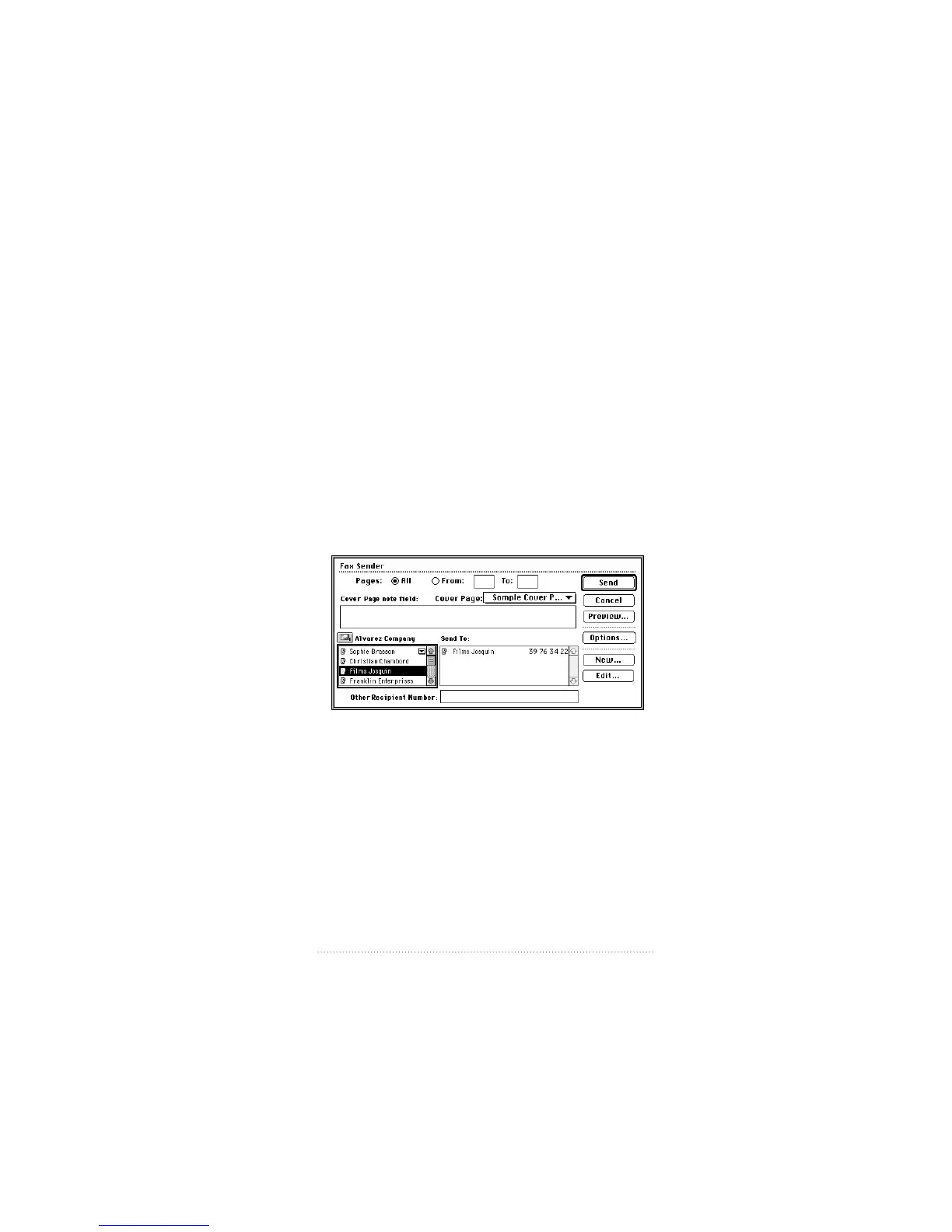
The Fax Sender dialog box appears.
Note: This keyboard shortcut does not work if you have
QuickDraw GX installed. To send a fax with QuickDraw GX,
you must create a desktop printer icon for Fax Sender GX.
See: “Using Fax Sender GX” in this chapter.
25
Setting Up the Apple Telecom Software


 To Next Page
 Loading...