Using Fax Sender GX
If you have QuickDraw GX installed as part of your system,
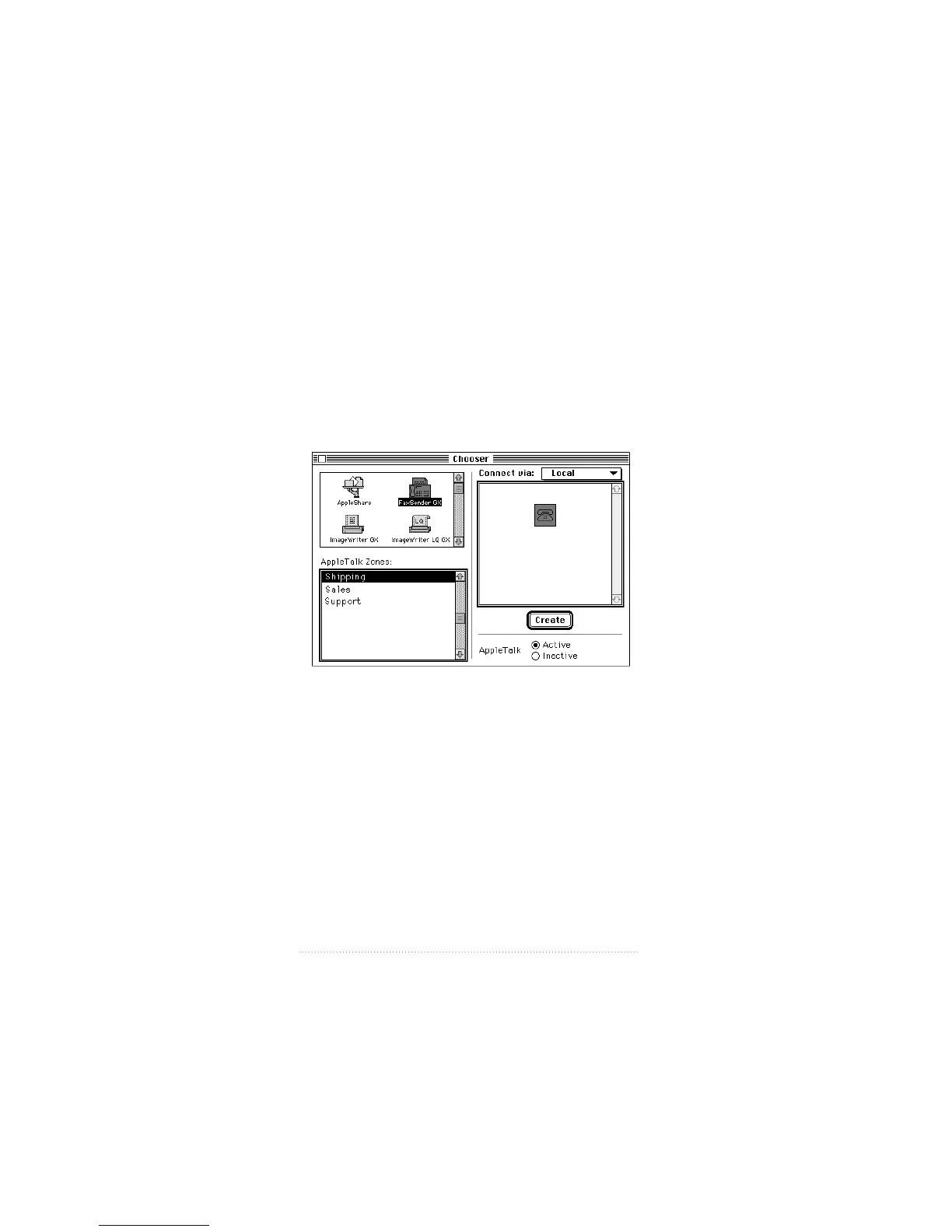
use the Chooser to create a desktop printer icon for Fax
Sender GX.
To choose Fax Sender GX
1 Open the Chooser from the Apple menu.
The Chooser appears.
2 Select the Fax Sender GX icon from the upper left panel,
then click Create.
A printer icon for Fax Sender GX appears on the desktop.
Now you can send documents as faxes just by dragging and
dropping them onto this icon.
28
Chapter 3



 To Next Page