3 Close the Chooser.
4 Open the document you want to send as a fax, then choose
Print from the File menu of your program; or drag a
document file onto the desktop printer icon.
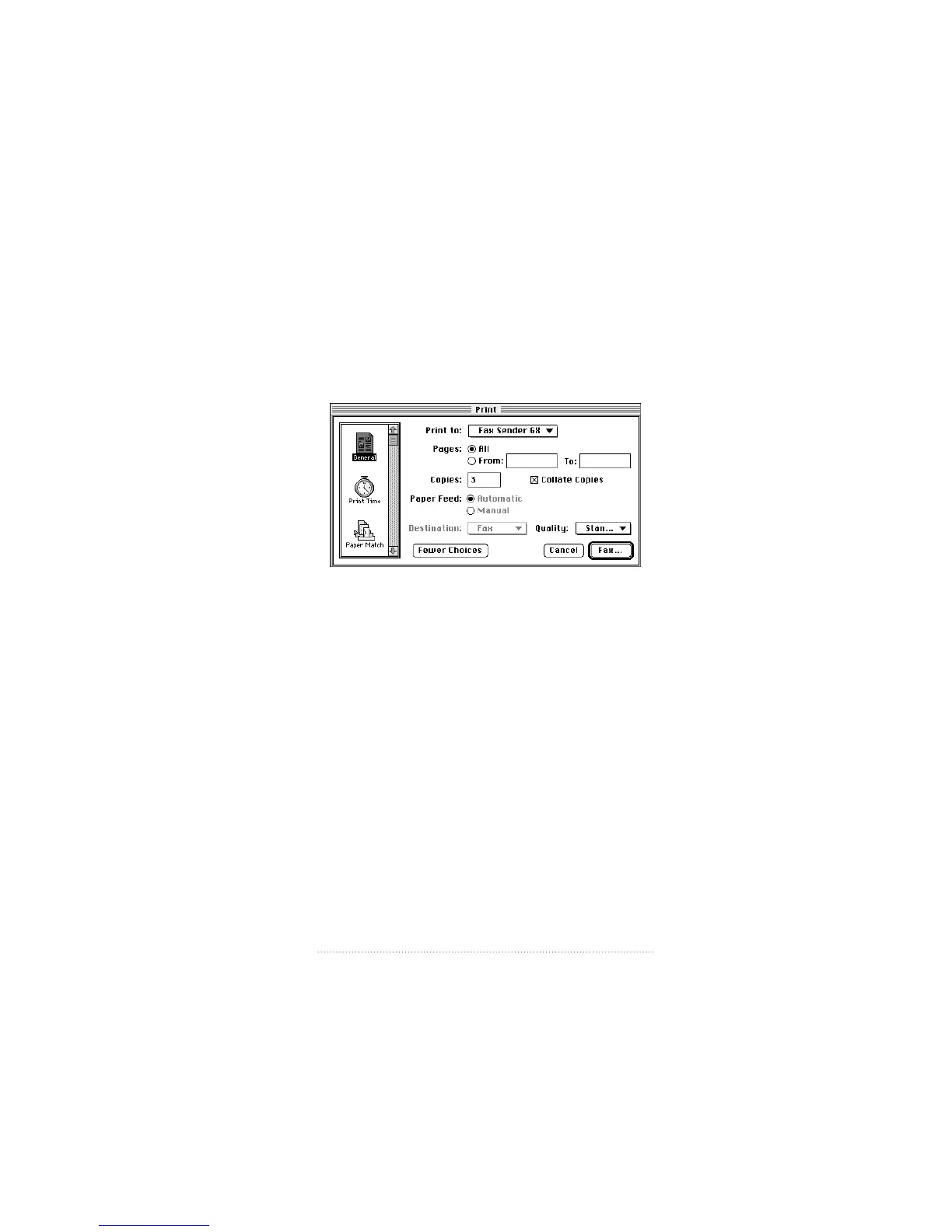
The Fax Sender GX print dialog box appears.
5 Make sure that Fax Sender GX is selected in the Print to:
pop-up menu, then click Fax.
Fax Sender GX images your fax. When imaging is complete,
the Fax Sender print dialog box appears for you to prepare
your fax for transmission.
29
Setting Up the Apple Telecom Software



 To Next Page