Understanding the display
The status display changes when you send a fax or when you
receive an incoming fax.
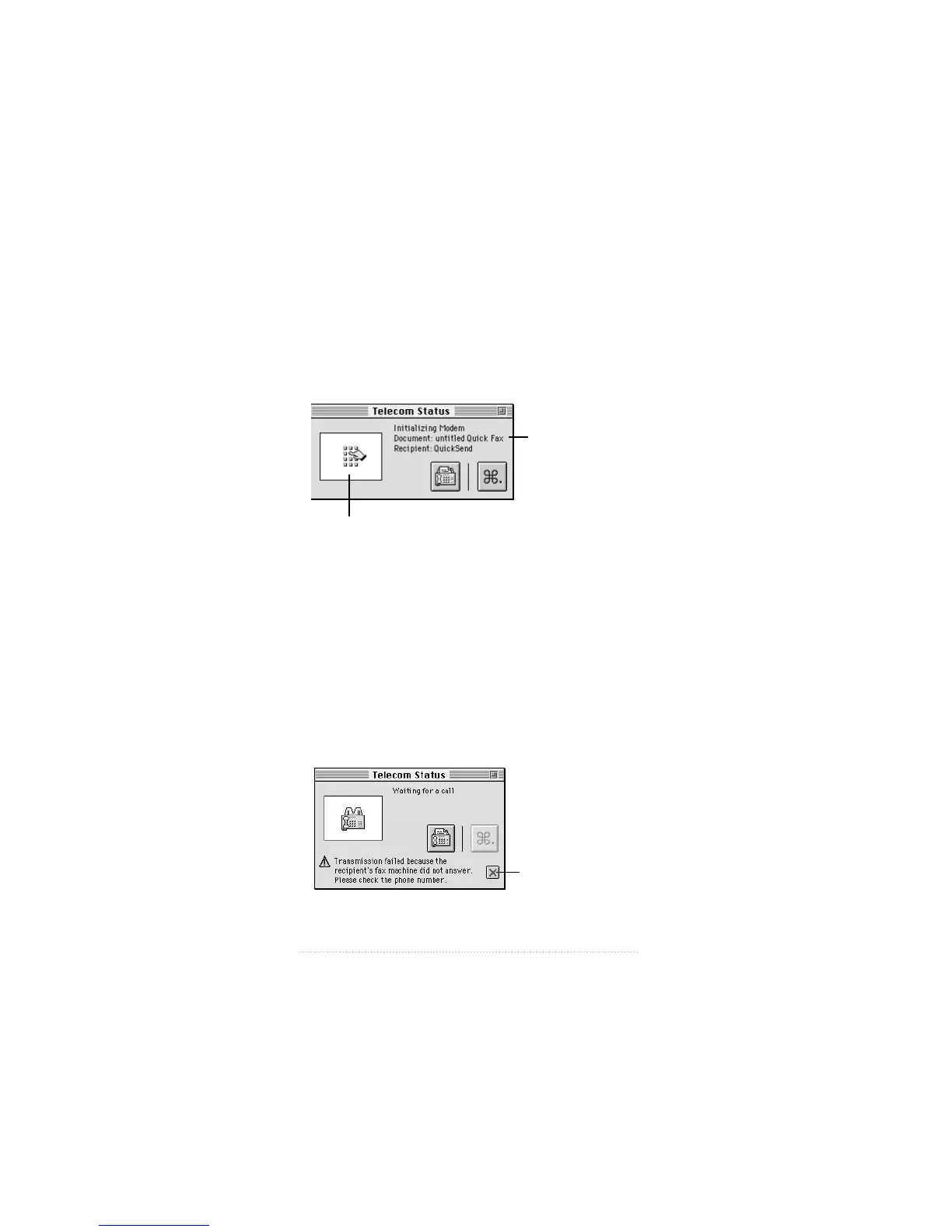
For example, at the start of an outgoing call, Apple Telecom
Status displays information similar to the following
The status information changes as Apple Fax passes through
the stages of dialing, ringing, making a connection, sending a
fax, and disconnecting.
Note: When you send a fax, use Apple Telecom Status to
monitor the progress of the fax transmission. Use Outgoing
view in the Apple Fax window to confirm the final status of
the fax (Sent, Failed, or Canceled).
When you receive an incoming fax, the status display
monitors the progress of the communication. Messages that
may appear during fax transmission are appended to the
bottom of the panel
34
Chapter 4
Summary of call
information.
Accompanying graphic
Click here to clear
the message.


 To Next Page
 Loading...